Electric Screwdriver Torque Color Codes: A Practical Guide for Tech Enthusiasts
Electric screwdrivers are essential tools in many trade and DIY applications, as they provide the precision needed for fastening tasks without the risk of damaging materials. A common challenge faced by users is understanding torque settings, particularly when torque values are communicated through color codes. This article addresses the question of how to effectively interpret and apply these torque color codes when using electric screwdrivers. Understanding these codes is vital because using incorrect torque settings can lead to over-tightening, damaging the material or screw, or under-tightening, which can result in loose assemblies. A widespread misconception is that all electric screwdrivers function in the same way, neglecting the need for specificity based on torque requirements. In this article, you’ll learn how to navigate these color codes, apply them correctly, and ensure optimal performance in your projects.
Understanding Torque in Electric Screwdrivers
Torque refers to the rotational force applied when driving a screw. Electric screwdrivers are equipped with adjustable torque settings, allowing users to select a specific amount of force to be applied. This is crucial in applications where material integrity or screw performance is a concern. There are typically two kinds of torque adjustment in screwdrivers: mechanical and electronic. Mechanical systems often use a clutch to slip when the desired torque is reached, while electronic systems may provide a digital readout of the torque setting.
The Importance of Torque Settings
- Material Protection: Ensuring the correct torque setting prevents damage to sensitive materials.
- Assembly Integrity: Proper torque helps maintain the strength and reliability of assemblies.
- Reduced Wear: Following torque specifications can minimize wear on both the tool and fasteners.
Color-Coding Systems for Torque Settings
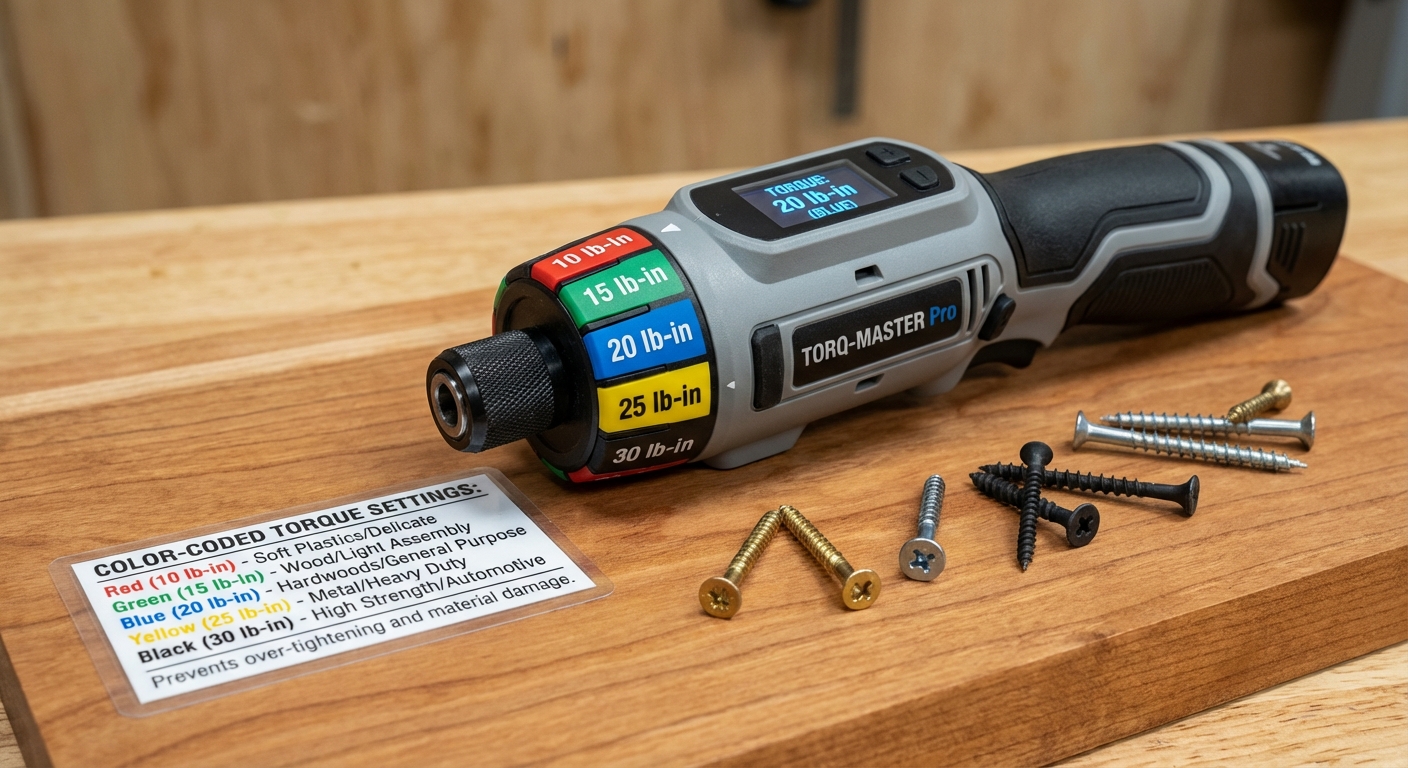
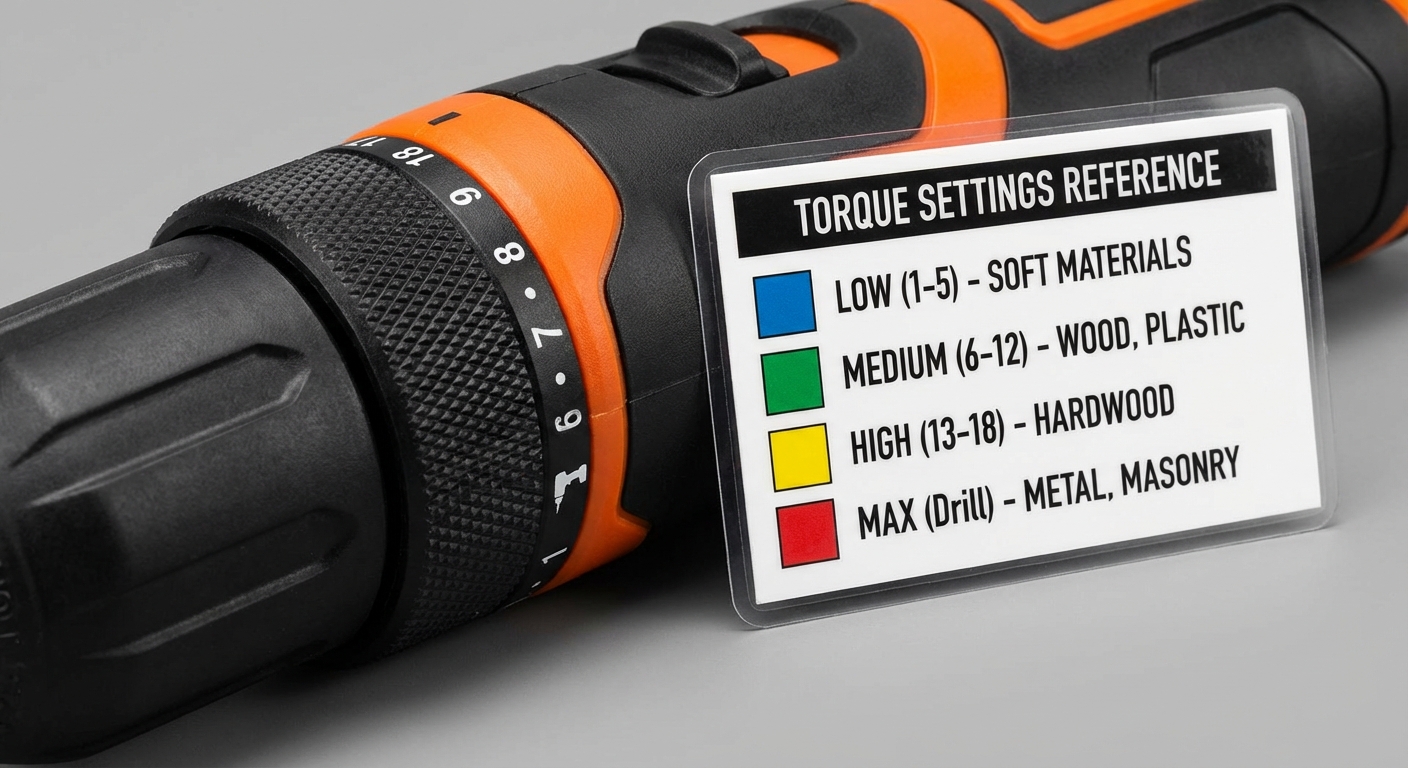
Many manufacturers use color-coded systems to simplify the selection of torque values. These color codes allow users to quickly identify the appropriate torque setting for their application. For example, the CHP electric screwdriver incorporates a straightforward torque reference chart, which users can consult to match the color of their tool with the correct torque specification.
How Color Codes Work
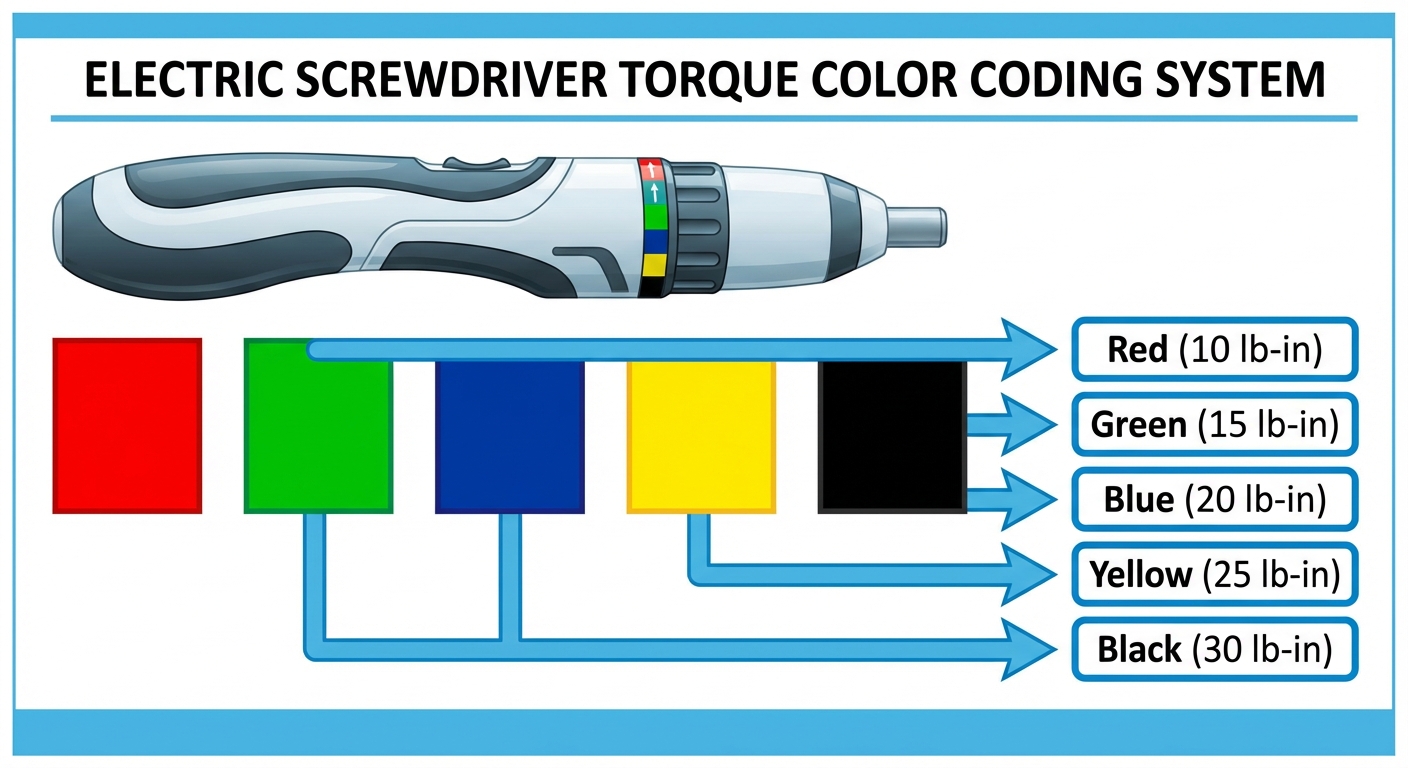
Color codes typically represent specific torque values. Here’s a general guide to common color coding found in electric screwdrivers:
You may also like




| Color | Torque Value (in lb-in) |
|---|---|
| Red | 10 lb-in |
| Green | 15 lb-in |
| Blue | 20 lb-in |
| Yellow | 25 lb-in |
| Black | 30 lb-in |
It is crucial to note that these values can vary by manufacturer, which is why referring to specific product documentation is always recommended.
What Can Go Wrong with Incorrect Torque Settings
Using the wrong torque setting can lead to several issues:
- Stripped Screws: Excessive torque can strip the head of the screw, making it unusable.
- Material Cracking: Over-tightening can crack sensitive materials such as plastics or soft metals.
- Weakened Joints: Insufficient torque can result in loose joints, compromising the structural integrity of the assembly.
Setting the Correct Torque
To set the correct torque on an electric screwdriver, follow these steps:
- Identify the material type you are working with.
- Consult the torque reference chart based on the screwdriver’s color code.
- Adjust the torque setting on your screwdriver to match the color-coded torque value.
- Verify the actual torque value through calibrated torque testing if necessary, particularly for critical applications.
Common Misconceptions About Torque Color Codes
A prevalent misconception about torque color codes is that they are universal across all brands. In reality, torque values can differ among manufacturers and sometimes even between models from the same manufacturer. Therefore, always check for product-specific documentation or guidelines related to torque settings.
Manufacturer Support and Product References
For precise torque specifications and troubleshooting, it’s essential to consult the manufacturer’s documentation. For example, you can find detailed information from the CHP website regarding its electric screwdrivers.
FAQs
1. How do I know which torque setting to use?
Consult the torque reference chart provided by the manufacturer of your electric screwdriver. The color codes will guide you in matching the torque setting to your specific material and application.
2. What happens if I use a different power supply?
Using a different power supply can lead to inconsistent torque output, risk of tool damage, or even voiding the warranty of the screwdriver.
3. Can I adjust the torque manually?
Yes, most electric screwdrivers have a torque setting dial or control that allows you to select the desired torque level according to your needs.
4. Are there standards for torque settings?
There are several industry standards for torque specifications, although these can vary by application and manufacturer. Always refer to relevant guidelines for your specific task.
5. Where can I find more information on my electric screwdriver?
You can find detailed usage guides and support documents on the manufacturer’s website or within the product packaging.
Conclusion
Understanding electric screwdriver torque color codes is essential for ensuring proper tool use and maximizing the efficiency of your projects. By interpreting these codes correctly and applying the right torque settings, you can avoid common pitfalls, such as damaged materials and compromised joint integrity. For further exploration of related topics such as screwdriver types and their applications, consider diving into other resources.
Rotating USB