Introduction
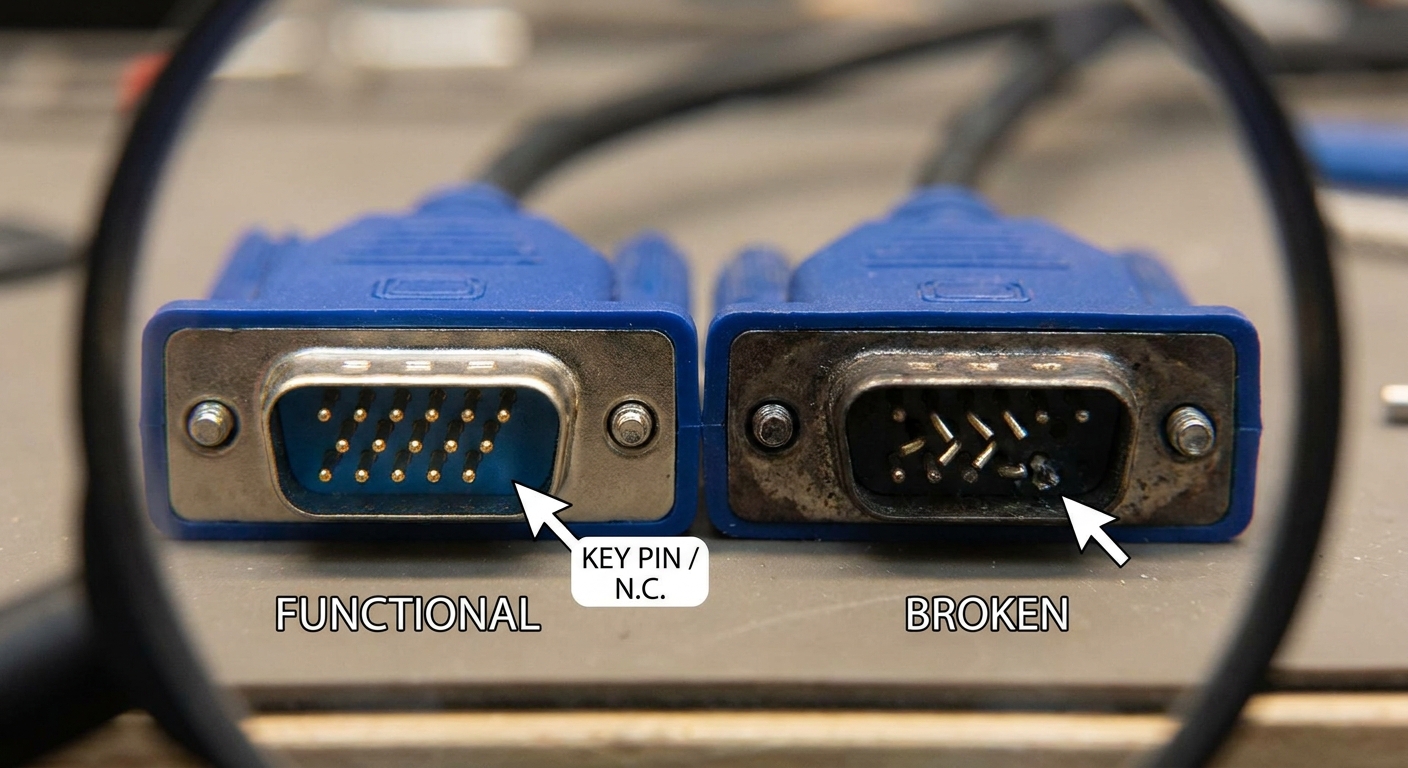
The VGA (Video Graphics Array) port has been a staple for connecting monitors since its introduction. Though seemingly straightforward, users often encounter issues surrounding missing pins in VGA connectors—an occurrence that raises questions concerning functionality and integrity. The core issue this article addresses is the common misconception regarding the significance of these absent pins, particularly whether their absence indicates damage or malfunction. Understanding the nuances behind missing VGA pins matters because misdiagnosing a connector can lead to unnecessary equipment replacement or repair. This piece will guide you through what is considered normal versus what could indicate a broken VGA connection, empowering you to make informed decisions about your VGA equipment.
Understanding VGA Pin Configuration
The VGA connector typically features 15 pins, but many users notice that certain pins are either missing or not present in their VGA cables. This prompts a critical evaluation of the connector’s design and functionality. Here’s how it works:
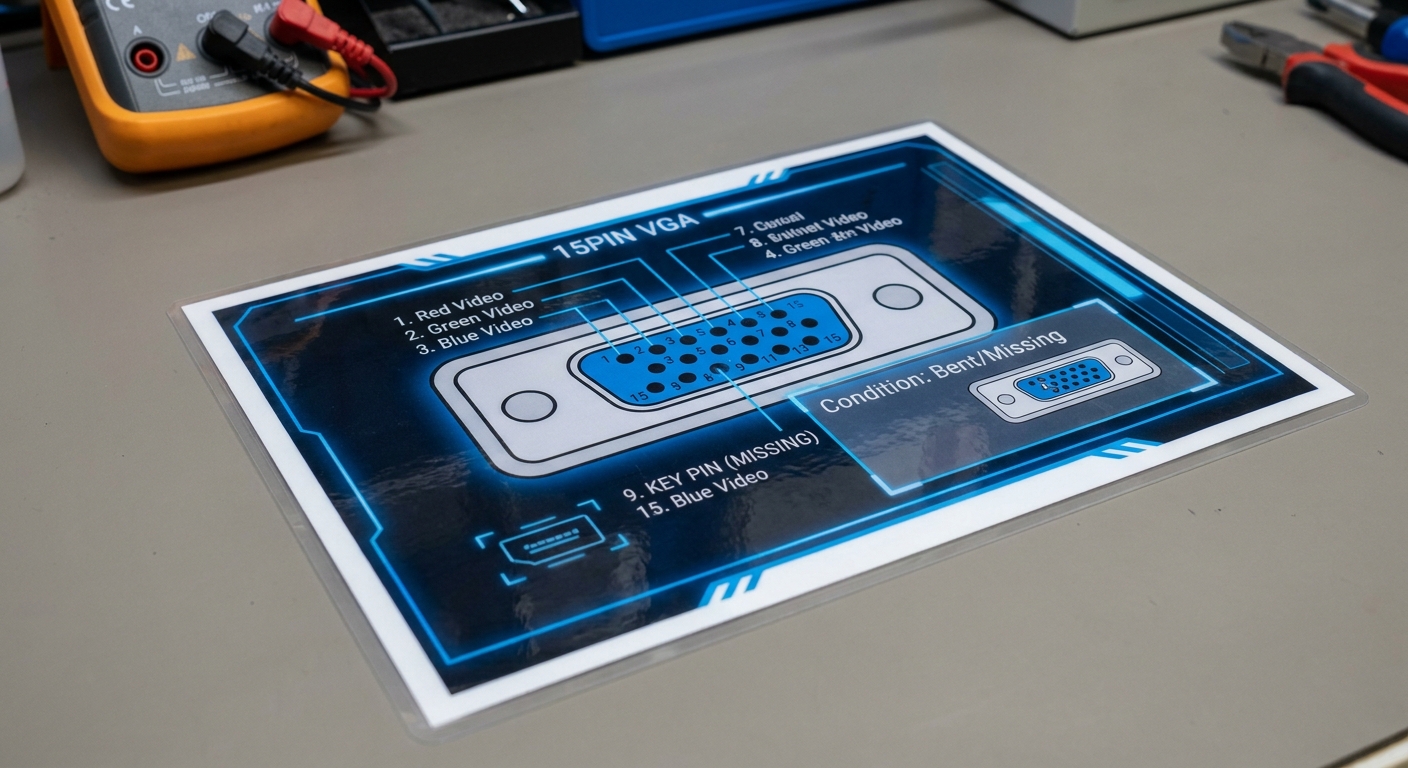
- The VGA connector is designed with a specific pin configuration that allows for a direct connection between the computer’s graphics card and its display. Each pin serves a distinct purpose, from carrying the video signal to providing necessary ground connections.
- However, one pin is intentionally left out—known as the ‘key pin.’ This pin’s absence is not an oversight; rather, it serves an essential role in ensuring the correct orientation while connecting the cable to the port, thus preventing accidental damage caused by misalignment.
What Causes Missing Pins?
A common cause for missing pins in VGA cables includes design specifications that mandate empty positions for functionality reasons. Here are key points to keep in mind:
Pin Functionality and Design
- Typically, some pins may appear shorter or absent without compromising the integrity of the connection.
- In very late VGA systems, the previously unused key pin was sometimes repurposed to serve as a +5VDC power supply.
- Debris or dust in the connection can lead to misconceptions that pins are missing or broken, creating confusion about the actual state of the VGA connector.
Diagnosing Connector Issues
When examining your VGA connection, distinguishing between what is normal and what signals a problem is crucial. Below are diagnostic steps to follow:
You may also like




- Inspect the connector closely for any pins that may be bent or partially broken. Users on forums have noted that one severely bent pin could create connection issues.
- Check for physical obstructions such as debris or dust in the connector, which can mimic the appearance of missing pins.
- Verify the functioning of the VGA cable with another device to determine if the issue lies with the cable or the port itself.
- If a pin is genuinely broken off, consider replacing the cable, as functionality could be impacted.
When to Worry About Missing Pins
Understanding what constitutes a legitimate concern with missing VGA pins can prevent unnecessary panic. Generally:
- Missing pins that are part of the standard pin configuration (like the key pin) are considered normal.
- If a pin that is critical for functionality (such as video signal transmission) is physically absent, the cable may need replacement.
- Community discussions indicate that unless you’re experiencing display issues, the absence of a pin should not be concerning.
Common Misconceptions Surrounding VGA Pins
Numerous misconceptions can circulate among users regarding VGA pin design:
- Many believe that all pins must be present and functional for proper operation, which is incorrect.
- Some users might think that any missing pin indicates a defective cable, yet design specifications account for certain unused positions.
- A short caused by pulling the connector at an angle or debris accumulation leading to pin disruption is frequently misunderstood as a sign of general cable damage.
Examples from User Experiences
User discussions from platforms like Reddit and AfterDawn have revealed valuable insights into VGA connectivity experiences:
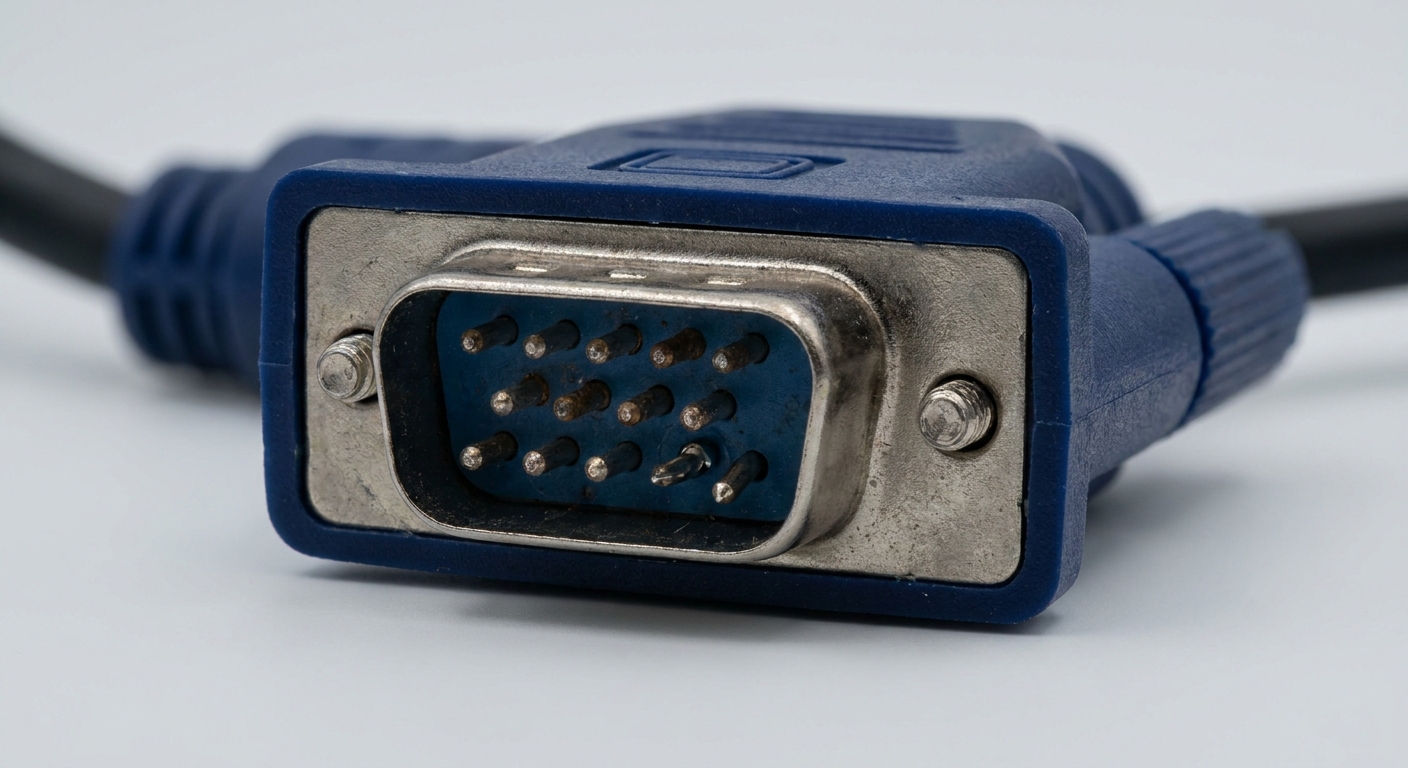
- Several users have confirmed that their VGA cables had missing pins from the factory, and all worked without issue.
- Others have shared experiences where a bent or broken pin led to display problems, underscoring the importance of maintaining the integrity of each connector.
FAQ
Q: Are all missing pins in VGA connections normal?
A: Yes, some pins are intended to be absent for functional design reasons, like the key pin.
Q: Can a missing pin impact the display?
A: A missing functional pin can affect display capabilities, while absent key pins typically do not.
Q: What should I do if a pin is bent?
A: You should carefully straighten it or consider replacing the cable if it appears broken or non-repairable.
Q: How can I clean a VGA connector?
A: Use compressed air to remove debris, ensuring you do not bend any pins in the process.
Q: What if my monitor is not detecting the VGA signal?
A: Check the cable and pins for damage, test with different devices, and ensure all pins are functioning properly.
Conclusion
In summary, while encountering missing pins in VGA connectors can be concerning, it’s crucial to differentiate between standard design features and actual damage. Understanding the pin configuration and the role of each pin can significantly reduce misunderstandings regarding VGA connections. As technology progresses, become familiar with related topics, such as HDMI and DisplayPort standards, to ensure you’re adept at managing your display connections effectively.
Rotating USB