Introduction
Bent USB pins are a common technical issue that can disrupt the functionality of devices. Many users wonder if such an inconvenience can lead to more significant problems, including short circuits. This article addresses the question: Can a bent USB pin cause a short circuit? Understanding this issue is crucial because a short circuit can not only damage the USB port itself but potentially the entire device connected to it. A prevalent misconception is that bent pins are harmless as long as they aren’t completely broken; however, that may not always be the case. In this article, we’ll delve into how USB connections work, the implications of bent pins, and detailed steps to diagnose and troubleshoot potential short circuits.
How USB Connections Function
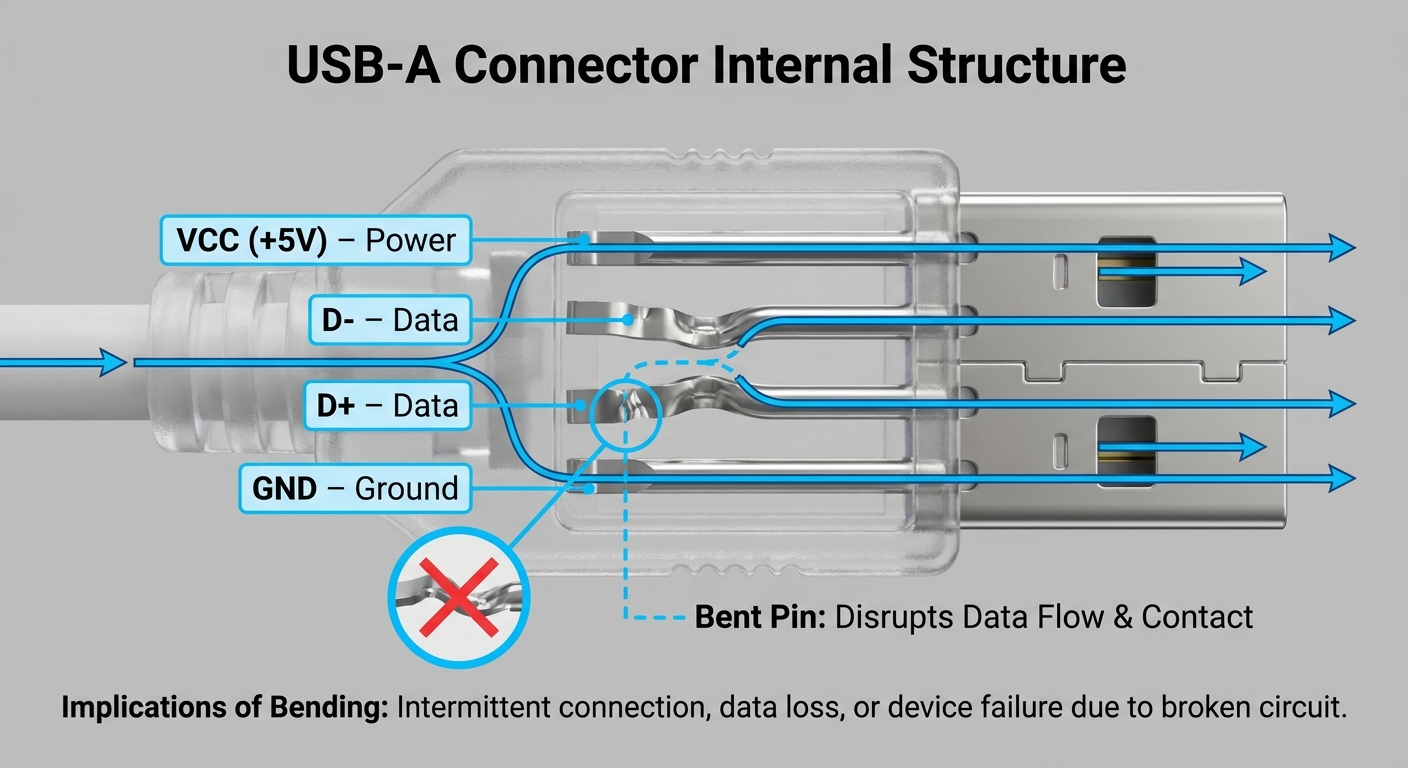
To understand the risk associated with bent USB pins, it’s critical to comprehend how USB connections function. USB (Universal Serial Bus) ports facilitate communication and power supply between computers and external devices. Each USB connector contains multiple pins, each serving a specific function:
- Power Pins: Supply electricity to the device.
- Ground Pins: Serve as the return path for electrical current.
- Data Pins: Transmit data between the devices.
A bent pin can disrupt this flow, leading to grounding issues or unintended connections between pins, increasing the risk of a short circuit.
The Risks of Bent USB Pins
What Happens When a Pin is Bent?
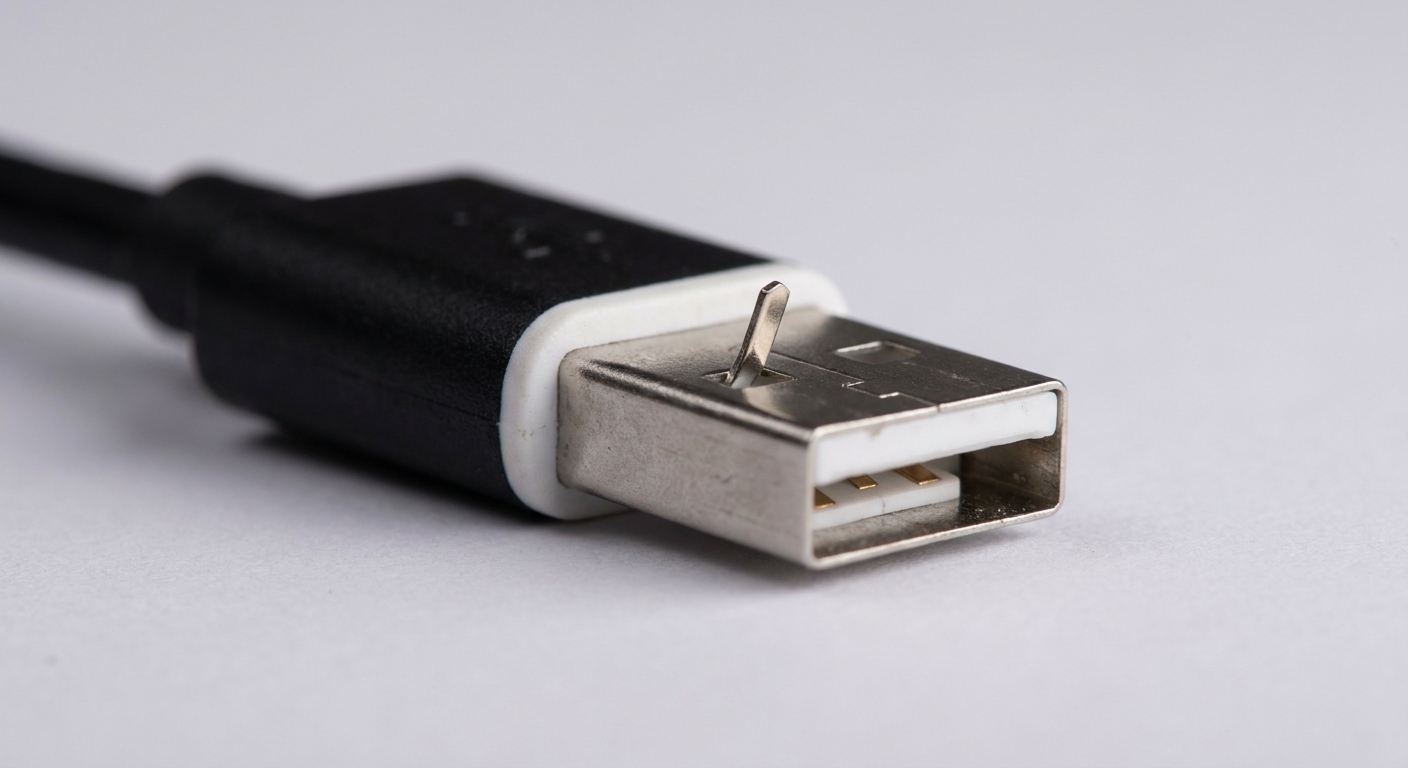
When a USB pin is bent, it may short against another pin or the casing of the USB port. This can create a direct electrical connection where there shouldn’t be one, leading to potential short circuits. According to reports, if pins are touching each other or a grounded surface, it presents a significant risk of circuit failure, which can lead to:
You may also like




- Device malfunction or failure
- Permanent damage to the USB port
- Potential bricking of the connected device in severe cases
Moreover, as observed in various forums, users have noted that shorted USB headers can lead to instability and other operational issues.
Identifying Signs of a Short Circuit
Recognizing the signs of a short circuit due to bent pins is essential. Some common indicators include:
- Inability to charge devices
- Device recognition failures or inconsistent performance
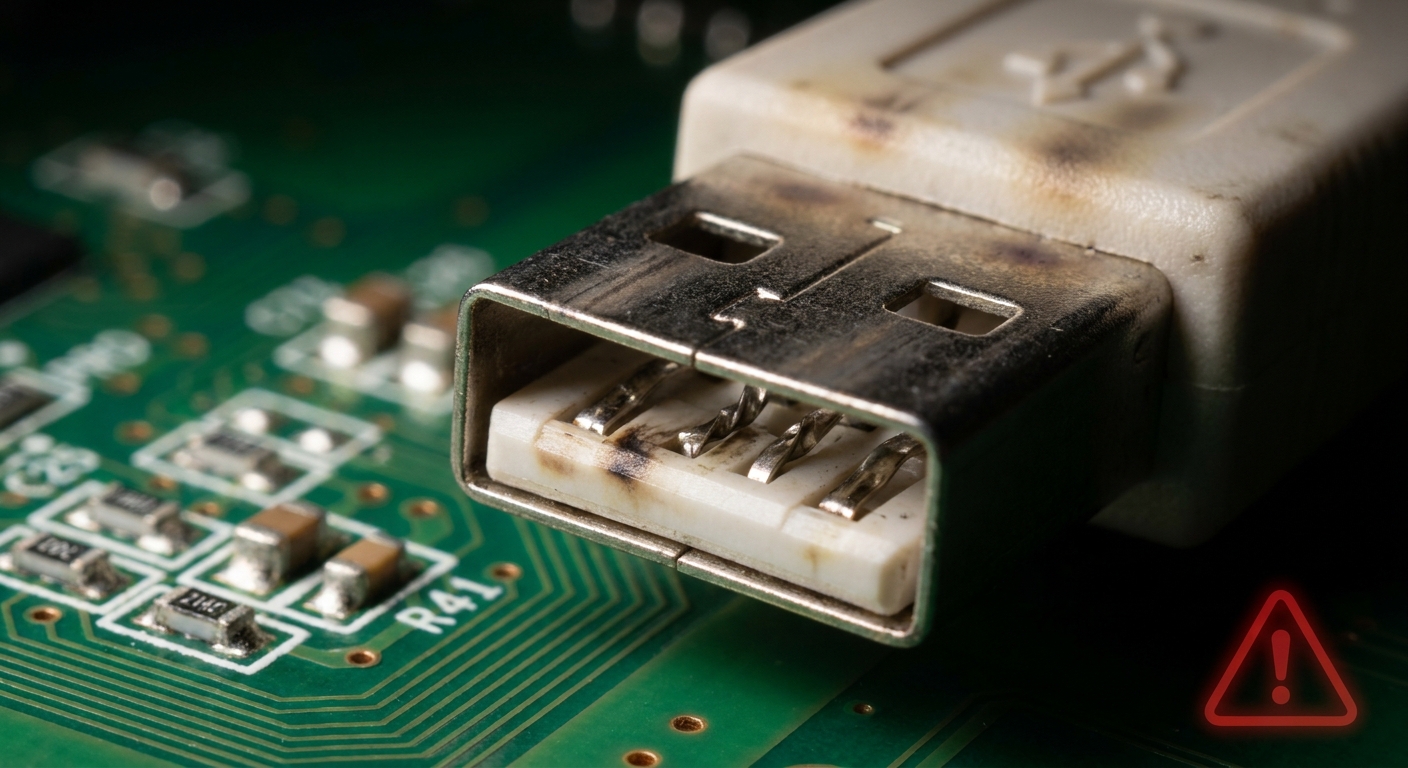
- Visible burn marks around the USB port
If any of these signs present themselves, it may be time to investigate the USB connection further.
Diagnosing USB Pin Issues
Steps to Check for Bent Pins
To determine if bent pins are causing issues, follow these steps:
- Inspect the USB connector physically:
- Look for any visible signs of bending or damage.
- Use a flashlight if necessary to see the pins clearly.
- Check for shorts:
- Ensure that no pins are touching each other or the casing.
- If a pin touches another pin, the risk of a short circuit increases significantly.
- Test with a different cable:
- If issues persist, try using a different USB cable to see if the problem is resolved.
Tools for Assessment
Using a multimeter can help in assessing whether the pins are shorted. Follow these steps:
- Set the multimeter to continuity mode.
- Probe each pin with the multimeter probes to check if there is continuity where there should not be.
- If you receive a beep (or light) indicating continuity between pins that should remain isolated, a short circuit is likely present.
Consult technical support from manufacturers if you’re unsure or need further assistance.
Fixing Bent Pins
How to Correctly Bend Pins Back into Place
If diagnosed with bent pins, carefully adjusting them back into the correct position may resolve the issue. Follow these precautions:
- Power off the device and unplug it from any power sources.
- Use a pair of fine-tipped tweezers to gently adjust the pins.
- Be cautious; excessive force can break the pin or cause further damage.
However, if the damage is extensive, you may need to replace the USB port or the entire device.
Common Misconceptions about USB Short Circuits
Despite the technical risks, some misconceptions persist regarding bent USB pins and short circuits. Here are a few clarifications:
- Misconception: “A bent pin is harmless if it’s not broken.”
- Reality: A bent pin can cause shorting issues, creating risks for the entire device.
- Misconception: “As long as the device powers on, there’s no issue.”
- Reality: Over time, hidden shorts may cause damage that is not immediately apparent.
Frequently Asked Questions
Q1: Can I still use a USB device if one pin is bent?
A: It depends on which pin is bent. If it’s a power or data pin that is shorting, it could cause issues with the device’s performance.
Q2: What should I do if I notice burn marks around my USB port?
A: This is a serious sign of potential damage; cease operation and consult a professional for assessment and possible repairs.
Q3: Is it safe to fix bent USB pins myself?
A: Yes, with careful handling and the proper tools, you can attempt to fix bent pins. However, if you feel uncertain, it’s best to seek professional help.
Q4: How can I prevent USB pins from bending in the future?
A: Handle connectors gently, avoid forcing them into ports, and always unplug devices with care.
Q5: Can bent pins lead to data loss?
A: Yes, if a data pin is bent and causing a short, it can interrupt data transmission, potentially leading to data loss or corruption.
Conclusion
In summary, bent USB pins can indeed pose a risk of short circuits, leading to device malfunction and even permanent damage. Regular inspection and careful handling of USB connectors can prevent these issues. Understanding how to diagnose and fix minor problems can save you from more significant headaches down the line. For further reading on USB standards and protocols, consider checking out the Wikipedia page on Universal Serial Bus.
If you are facing persistent issues with a USB connection, do not hesitate to reach out to the support services of your device’s manufacturer for additional guidance. Manufacturer Support
Rotating USB