Introduction
In the ever-evolving world of technology, understanding the right connection standards for your display devices is crucial. Specifically, identifying the differences between DisplayPort and HDMI ports can seem daunting, especially when choosing the appropriate cable for your setup. DisplayPort and HDMI are both prevalent standards used to transmit video and audio signals, yet they cater to slightly different needs and functionalities. The primary question this article aims to address is: How can you easily identify and distinguish between these two essential ports while understanding their impact on your display experience? This knowledge is vital as it influences the performance of your monitor, gaming console, or computer system.
A common misconception is that HDMI is always the superior choice for all applications; however, there are specific scenarios where DisplayPort shines, particularly in high-performance gaming and professional setups. In this article, readers will learn about the color codes used for port identification, the inherent differences in technology, and how to choose between them based on your particular needs.
Understanding Display Interfaces: How They Work
Both HDMI (High-Definition Multimedia Interface) and DisplayPort are technologies designed to carry high-resolution audio and video signals. However, they have slightly different designs and capabilities that cater to varied user needs.
HDMI Overview
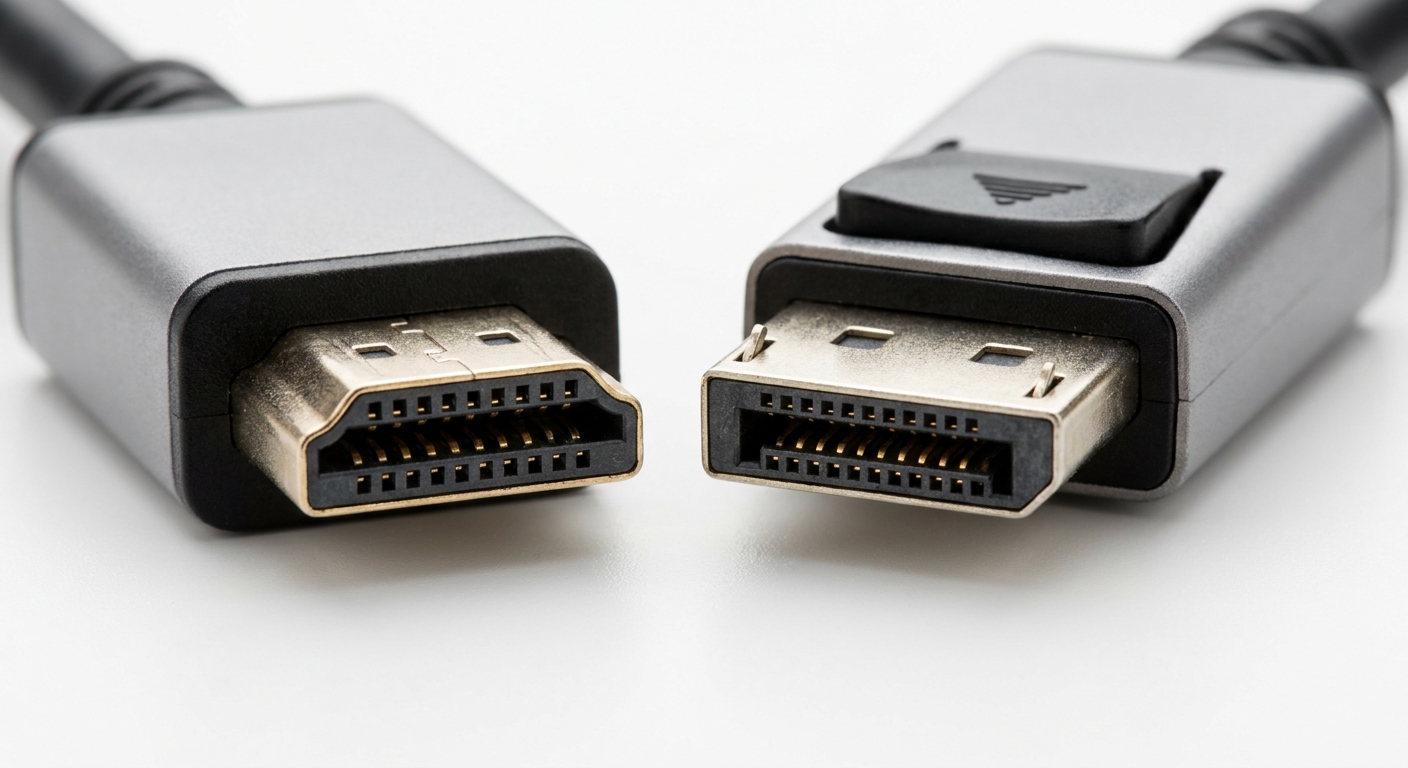
HDMI is predominantly utilized in consumer electronics such as TVs, soundbars, and gaming consoles. It is user-friendly and automatically configures itself based on the connected device’s requirements. The most recent version, HDMI 2.1, supports features like 4K and 8K resolutions, HDR, and enhanced refresh rates, making it suitable for modern home entertainment systems.
You may also like




DisplayPort Overview
DisplayPort, meanwhile, is often favored in computing environments, particularly for connecting PCs to monitors. It boasts capabilities for higher refresh rates and resolutions than earlier HDMI versions. DisplayPort 1.4 and the newer DisplayPort 2.0 significantly improve bandwidth, accommodating more demanding setups such as multi-monitor configurations or gaming at higher refresh rates.
Identifying HDMI and DisplayPort Color Codes
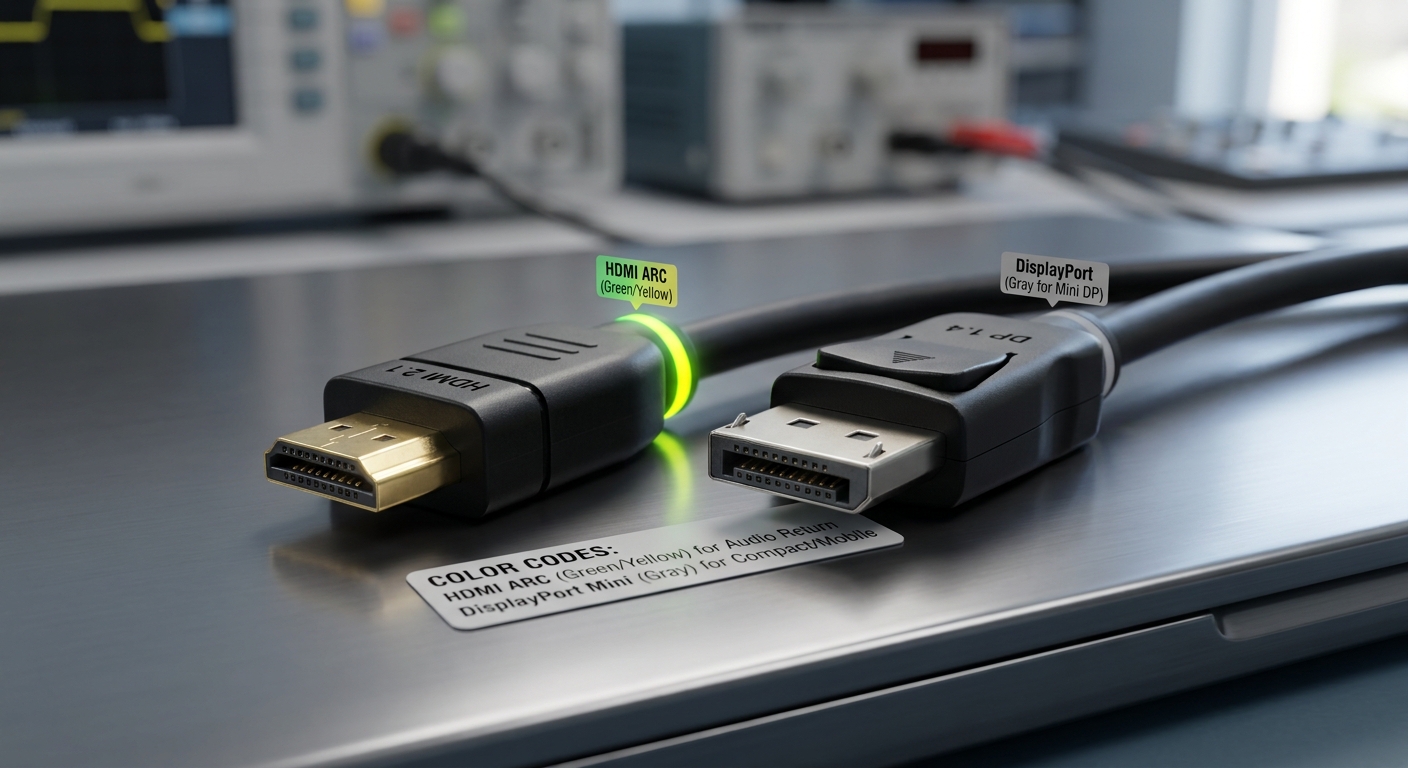
Color coding is a practical method for visually identifying different ports and cables. While the colors of the ports themselves may not universally adhere to any standards, many manufacturers use distinct colors for USB ports, HDMI, and DisplayPort to help users distinguish them more easily.
Common Color Codes
- HDMI: Typically, HDMI ports are black, though they can also be color-coded, sometimes with yellow or green to indicate specific features (like HDMI ARC).
- DisplayPort: DisplayPort connectors are usually black, but those that support Mini DisplayPort may be identified with a gray or different shade.
- Audio Jacks: For reference, audio ports might also be coded—green for standard audio out, pink for audio in, etc.
Comparative Analysis: DisplayPort vs. HDMI
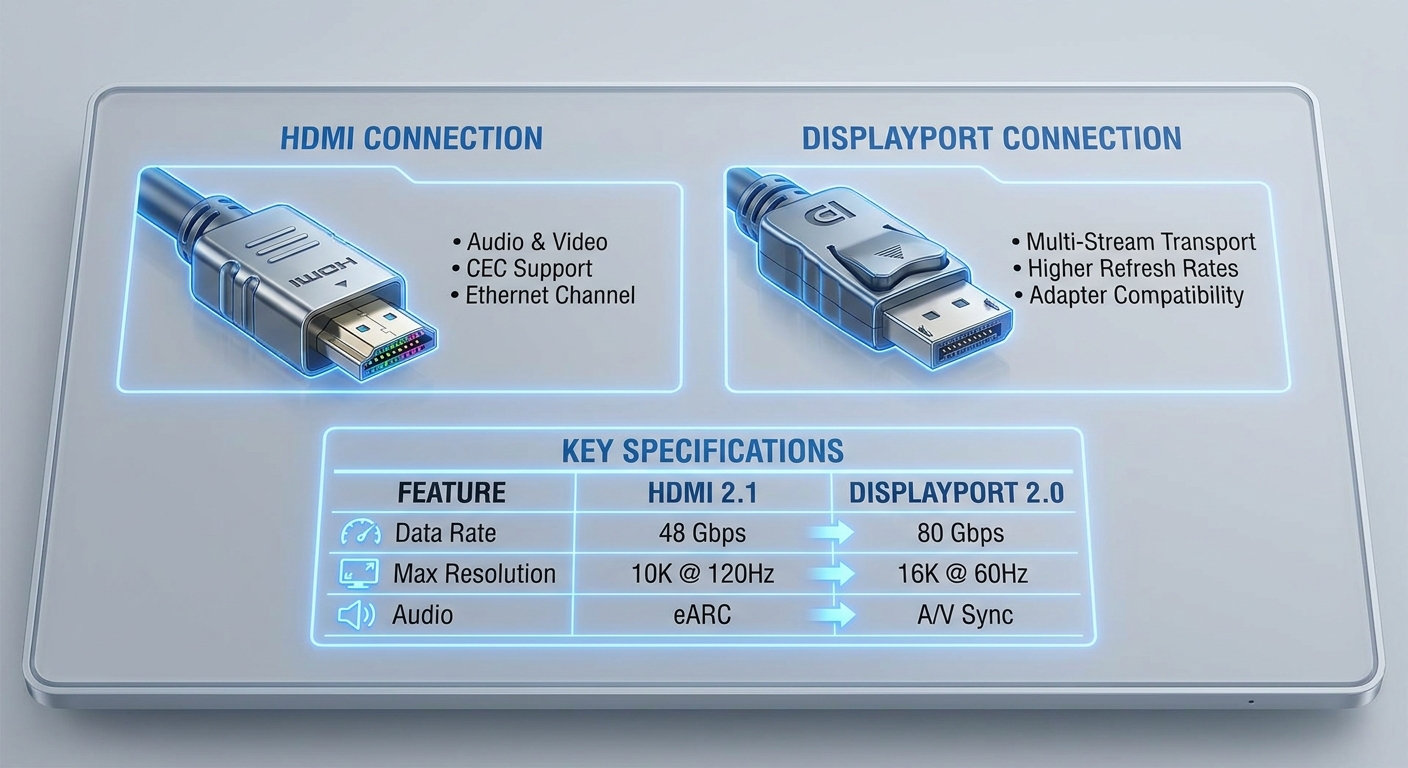
To help you understand how these interfaces differ, here’s a comprehensive comparison based on various metrics like bandwidth, usage, and supported features.
| Feature | HDMI | DisplayPort |
|---|---|---|
| Data Rate | Up to 48 Gbps (HDMI 2.1) | Up to 80 Gbps (DisplayPort 2.0) |
| Max Resolution | 8K at 60Hz | 16K at 60Hz |
| Audio Support | Yes, including multi-channel | Yes, multi-channel audio up to 7.1 |
| Ecosystem Compatibility | Widespread in consumer electronics | Favored in gaming and professional monitors |
| Adaptive Sync Support | Limited, unless using HDMI 2.1 | Excellent, with FreeSync and G-Sync |
Real-World Application and Experiences
Understanding the practical implications of these standards can significantly enhance your experience, whether you are a casual user or a dedicated gamer. Users on platforms like Reddit highlight experiences where switching from HDMI to DisplayPort resolved issues such as improved color accuracy and higher refresh rates. For instance, a user reported that while the monitor connected via HDMI displayed more accurate colors, it was limited to 30Hz; using DisplayPort enabled a smoother 60Hz experience.
According to CNET, while HDMI remains a budget-friendly connection choice, if you own a monitor with DisplayPort capabilities, leveraging it can ensure compatibility with future tech upgrades, especially as gaming and graphics technology continues to advance.
FAQs
Q: Can I connect DisplayPort to HDMI?
A: Yes, you can use a DisplayPort to HDMI adapter; however, ensure compatibility with your display and desired settings.
Q: Which port provides better color accuracy?
A: Reports suggest that HDMI generally provides better color accuracy for some users, but this varies based on specific monitors and setups.
Q: What version of HDMI should I choose for gaming?
A: HDMI 2.1 is ideal for gaming because it supports higher resolutions and refresh rates that enhance gaming visuals.
Q: Is DisplayPort more suitable for multi-monitor setups?
A: Yes, DisplayPort allows you to daisy-chain multiple monitors effectively and supports higher refresh rates across them all.
Q: Do I need a specific cable for 4K displays?
A: To fully utilize 4K at high refresh rates, ensure you’re using cables that meet HDMI 2.0 or DisplayPort 1.4 standards or better.
Conclusion
In summary, understanding the key differences and applications of HDMI and DisplayPort can help users make informed decisions that enhance their audio-visual experiences. Each standard has its strengths, making it crucial to assess your specific needs—be it for gaming, professional work, or media consumption. For those looking to maximize their display capabilities, exploring both options and staying updated on compatibility will be beneficial.
With technology constantly evolving, keeping an eye on upcoming standards and trends is advisable to ensure your setup remains future-proof.
Rotating USB