Understanding UPS Battery Backup Indicator Color Codes
The uninterruptible power supply (UPS) is an essential piece of equipment that provides backup power to electronic devices during outages, preventing data loss and equipment damage. However, many users encounter confusion when interpreting the LED indicator lights on their UPS units. This article addresses the common problem of understanding UPS battery backup indicator color codes. Recognizing what these colors signify is crucial for efficient troubleshooting and maintenance of your power systems.
Misconceptions often arise regarding the meaning behind different colored indicators, leading users to misinterpret their UPS’s status. In this article, you will learn about the various color codes, what they indicate regarding battery health and overall functionality, and how to respond to each indicator effectively.
The Basics of UPS Battery Indicators
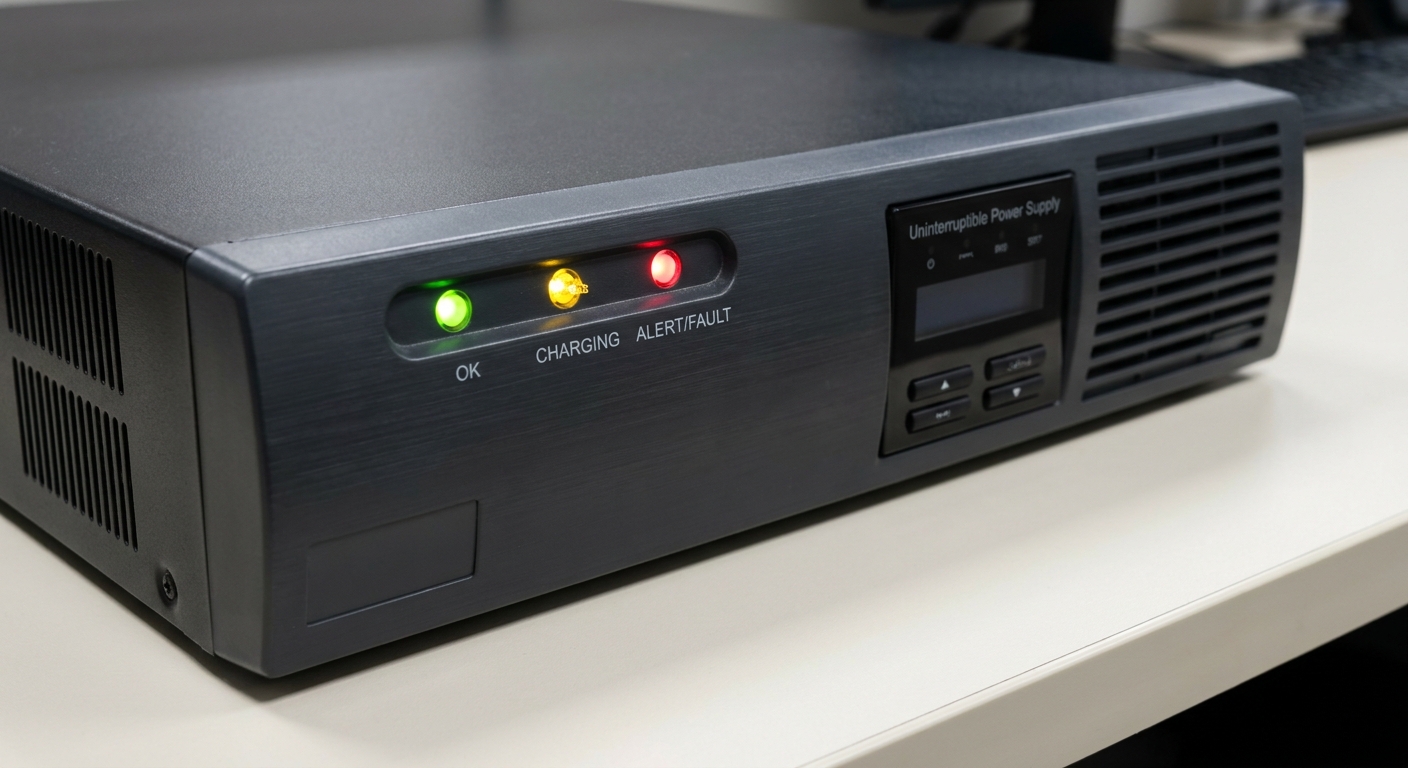
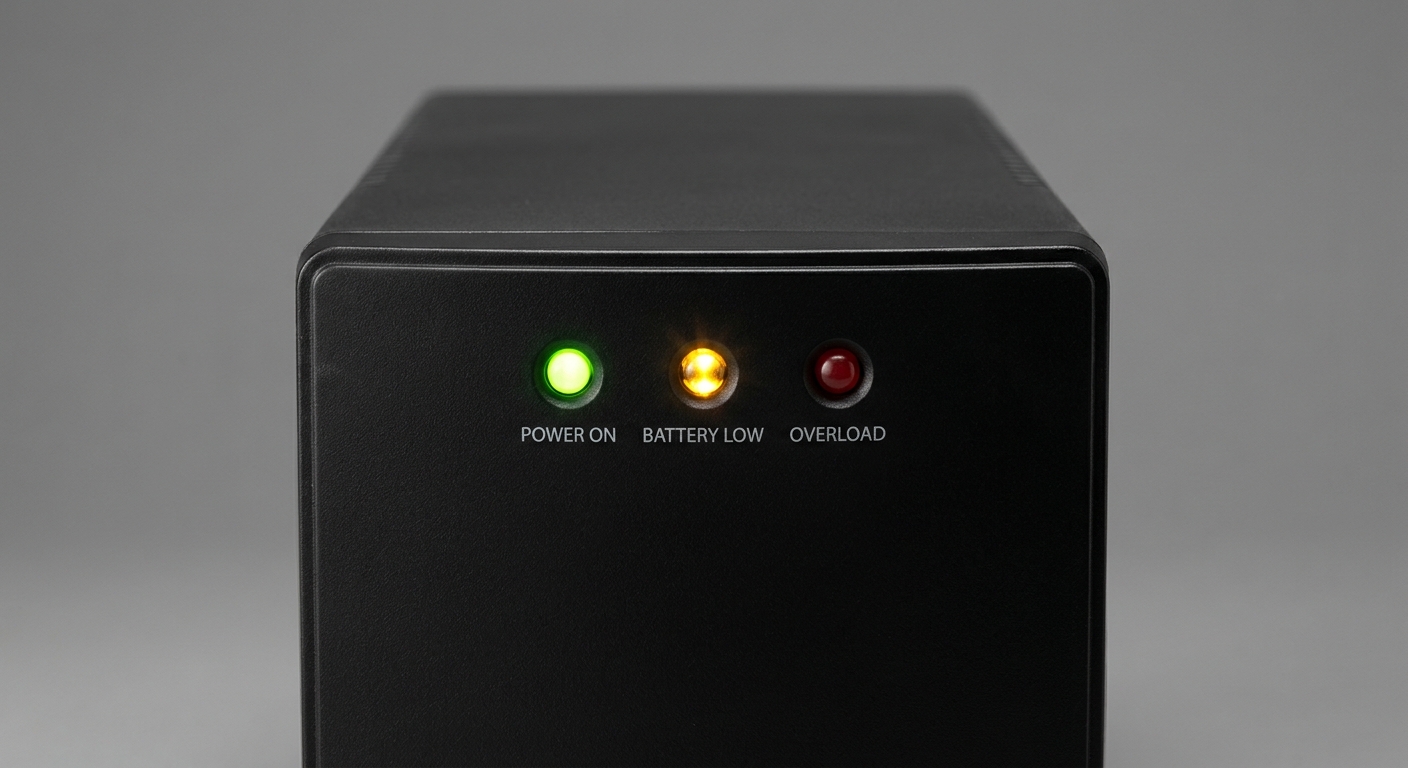
The LED indicators on a UPS provide critical information regarding its operating status. Understanding these signals can aid users in diagnosing issues promptly. Most UPS units utilize a standard color coding system, typically using green, yellow, and red lights.
Common Color Codes
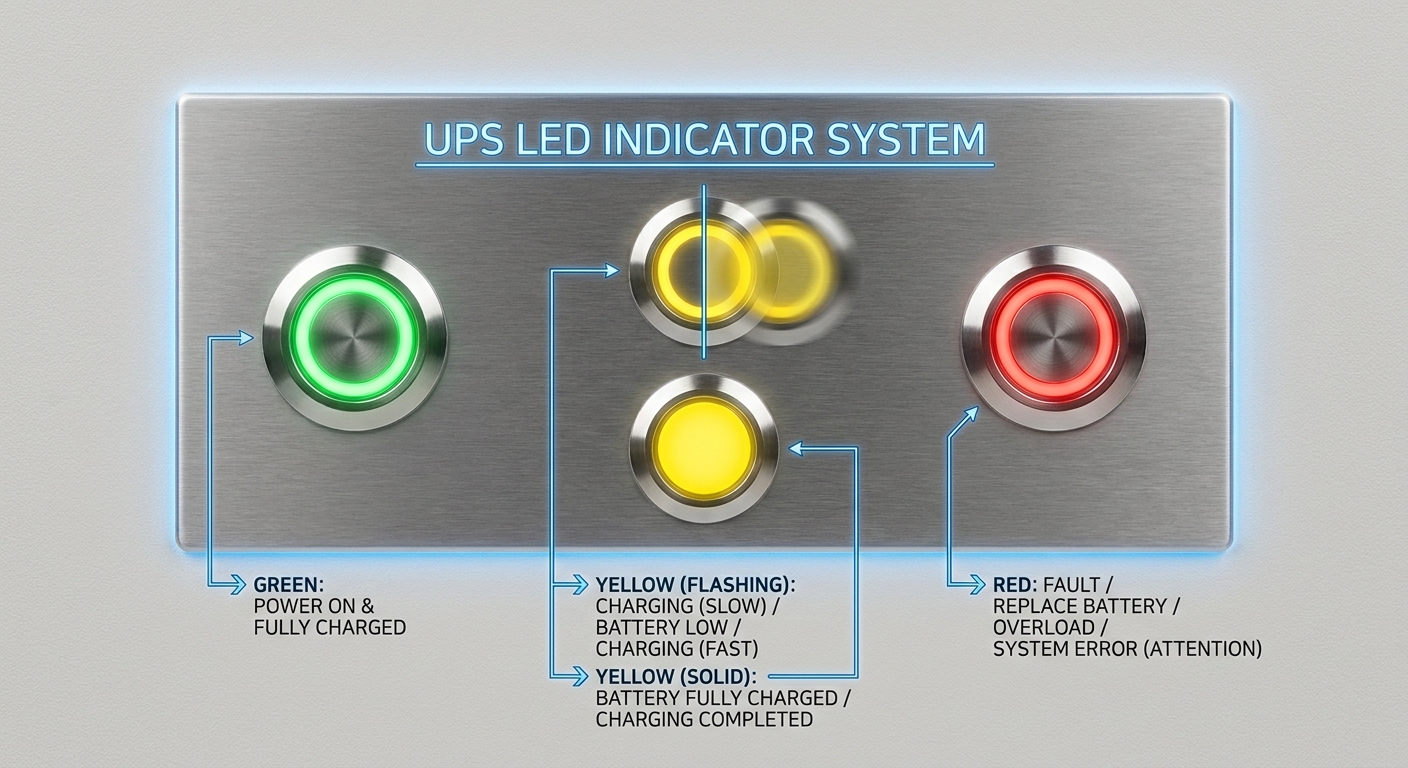
- Green LED: A steady green light typically indicates that the UPS is functioning correctly and that the battery is fully charged or adequately powered.
- Yellow LED: This light indicates the battery status. When the battery is charging, the yellow LED will flash, signaling that the charging process is active. If the battery is fully charged, the yellow light will remain illuminated continuously.
- Red LED: A red light indicates a critical issue, often signaling that the UPS is either on battery mode or that the battery is failing. Immediate attention is required in this case.
What Does Each Indicator Color Mean?
Each LED color has specific meanings which are critical for users to understand to manage their UPS effectively.
You may also like




Green LED Indicators
The green light serves as a reassurance to users. It typically signifies:
- The UPS is online and functioning normally.
- The internal battery is fully charged.
For instance, if both the green LED and yellow LED are lit, this still means everything is operating as it should. Conversely, the absence of a green light while other lights are illuminated can indicate issues.
Yellow LED Indicators
The yellow LED can provide insights during the charging and diagnostic phases:
- A flashing yellow light denotes that the battery is currently charging.
- A solid yellow light signifies that the battery is fully charged.
- If the yellow light illuminates during a battery test, it suggests that the UPS is performing diagnostics.
For instance, users might observe a yellow light on their Back-UPS during routine battery tests.
Red LED Indicators
The red LED can indicate the following conditions:
- The UPS is in battery mode, suggesting that external power is unavailable.
- Battery failure or low charge conditions that require immediate attention.
In many cases, this requires the user to check the connection, consider replacing the battery, or simply restart the UPS.
Common Misconceptions
Many users mistakenly believe that a flashing red LED light indicates a normal operational status. However, it generally signals an alert or failure state and requires investigation. Additionally, it is important to note that the state of the light does not dictate the entire performance of the UPS.
Troubleshooting LED Indicator Issues
When interpreting LED indicators, users may face various scenarios that require troubleshooting:
Diagnosing Flashing Indicators
- Observe the Color: Identify whether the indicator is green, yellow, or red.
- Count the Flashes: If the color is flashing, count the flashes to determine the status.
- Refer to User Manual: Check the UPS manual for specific meanings and steps to resolve the issue.
Responding to Alerts
- If the green light is absent and another color is illuminated, check the power source and connections.
- A flashing yellow light requires patience; the UPS might still be in the charging cycle.
- A continuous red light usually indicates a need for immediate action, such as replacing the battery or solving underlying electrical issues.
Examples of UPS Systems
Different UPS systems may have variations in their color codes. For example, Back-UPS and Smart-UPS units may showcase specific flashing sequences during diagnostics.
FAQs
Q1: What does a constant green light mean on my UPS?
A1: A constant green light usually indicates that your UPS is operating effectively and the battery is charged.
Q2: What should I do if my UPS shows a red light?
A2: A red light indicates a problem. You should check connections, examine the battery status, and review the user manual for further instructions.
Q3: Can I still use my devices if the yellow light is flashing?
A3: Yes, a flashing yellow light indicates that the battery is charging, but you can use the devices connected to the UPS.
Q4: What do I do if my UPS keeps flashing different colors?
A4: Consult the user manual, as different flashing sequences may indicate various statuses or alerts.
Q5: Are the light indicators universal for all UPS models?
A5: While many follow a standard color-coding system, it is essential to refer to the specific user manual for your UPS model, as implementations can vary.
Conclusion
Recognizing and understanding the color codes on your UPS system is vital for maintaining equipment health and ensuring uninterrupted power supply. Knowing what each indicator means allows for proactive troubleshooting, preventing potential issues before they escalate. If you’re keen on exploring more about power management or UPS systems, consider reading related topics on battery technologies and energy backups.
Rotating USB