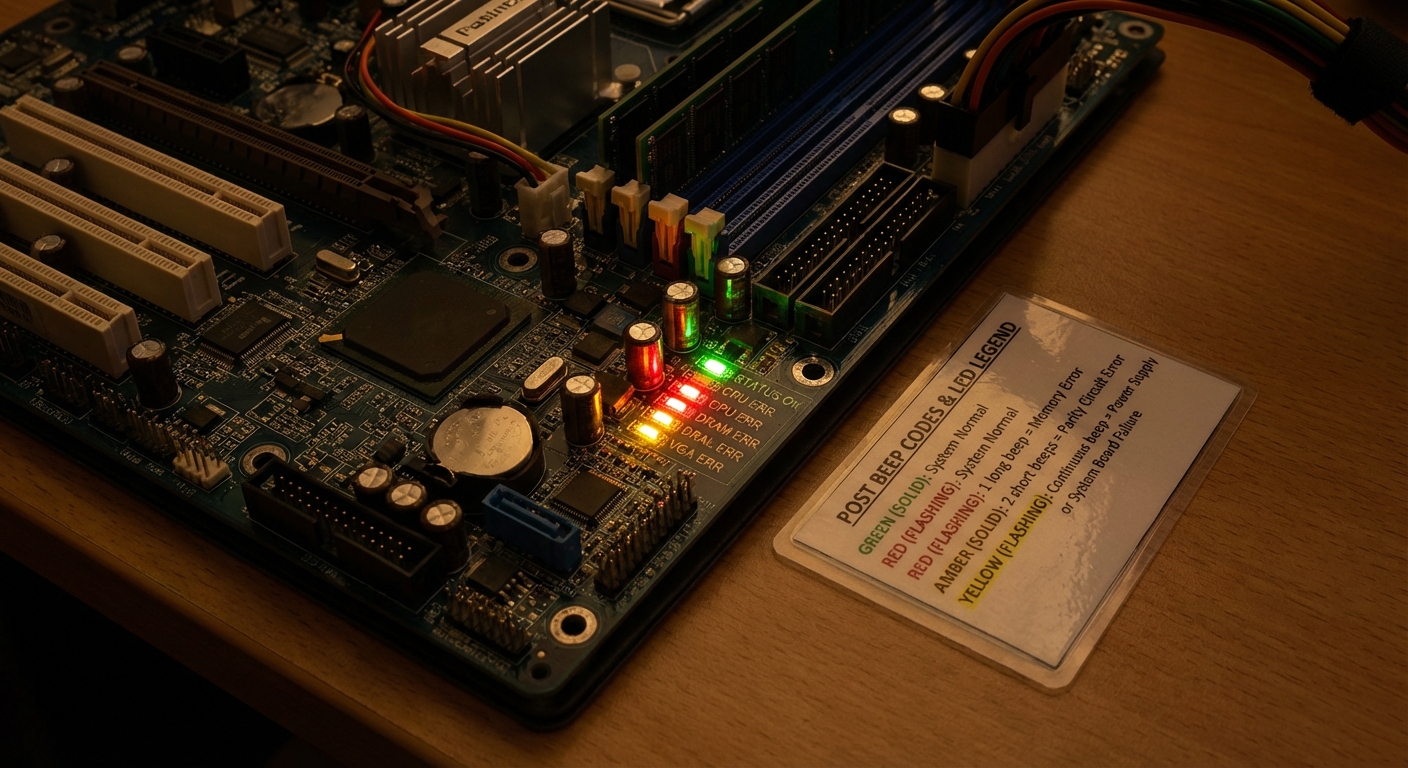
Understanding Motherboard Beep Codes and Light Codes
The intricate workings of computer hardware often leave users puzzled, especially when a device fails to boot properly. Among the various troubleshooting indicators, motherboard beep codes and light codes serve as crucial signals during the POST (Power-On Self-Test) process. This article addresses the common problem of deciphering these codes, allowing users to pinpoint potential hardware issues quickly and effectively. Understanding these signals is essential, as ignoring them can lead to prolonged troubleshooting, unnecessary repairs, or hardware replacements.
Many users mistakenly believe that beep codes are standardized across all motherboards. In reality, each BIOS manufacturer has a unique set of codes, which can lead to confusion. This article will guide readers through the basic meanings of common beep codes and light codes, empowering them with the knowledge to diagnose issues accurately and efficiently.
How Beep Codes Work
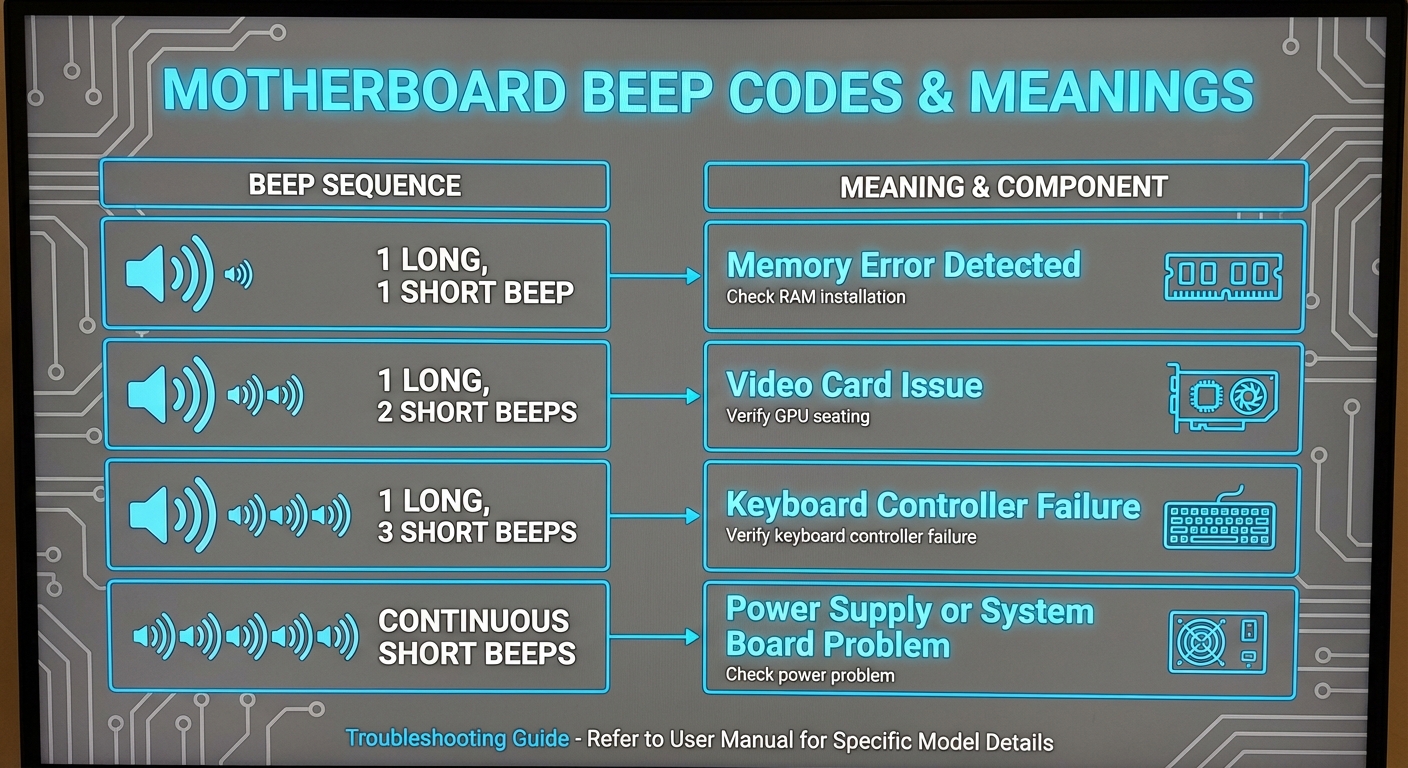
Beep codes are audible signals produced by the motherboard’s speaker during the POST sequence to indicate hardware statuses. Each pattern of beeps signifies a specific error or successful boot. However, the interpretation of these beeps varies significantly depending on the BIOS in use, such as AMI, Phoenix, or Award.
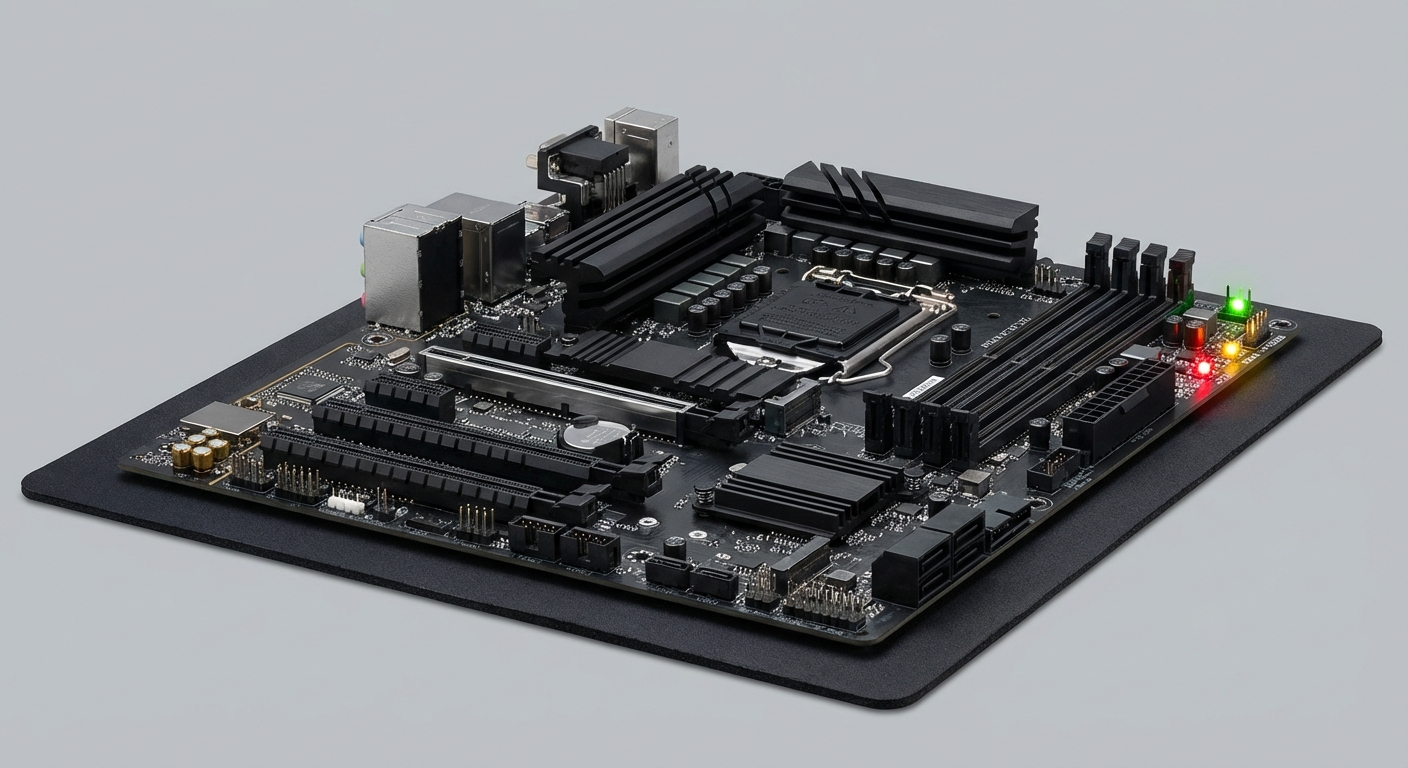
Light codes, typically represented by a series of blinking LED lights on the motherboard, serve a similar purpose. These light codes provide visual cues regarding hardware health and can convey more detailed information about the boot process’s status.
You may also like

Common Motherboard Beep Codes
| Beep Code | Meaning |
|---|---|
| 1 short beep | Normal POST, everything is functioning correctly. |
| 1 long beep, 1 short beep | Memory error or RAM issues detected. |
| 2 short beeps | Parity circuit error; potential RAM issues. |
| 3 short beeps | Base 64k RAM failure; potential bad memory. |
| 4 short beeps | Timer failure; indicates motherboard or CPU problems. |
| 1 beep | BIOS ROM corruption; failure of firmware integrity. |
| Continuous beeps | Power supply or motherboard issue; check connections. |
Specific BIOS Beep Codes
Different BIOS manufacturers use distinct codes. For example:
- AMI BIOS: Often employs a series of short and long beeps to signal hardware malfunction.
- Award BIOS: Typically uses a combination of beeps, where one long beep and two short beeps indicate RAM issues.
- Phoenix BIOS: Follows an extensive and detailed beep structure for diagnosing specific issues.
Understanding Light Codes
In addition to beep codes, many modern motherboards utilize LED indicators to relay important system statuses. These indicator lights can often be more intuitive than beep codes, as users can directly observe the malfunctioning part influenced by the blinking pattern. However, the interpretation of these light codes also varies by manufacturer.
Common Light Codes and Their Meanings
| LED Color Code | Meaning |
|---|---|
| Solid Green | Normal operation; system booting successfully. |
| Flashing Red | Hardware failure or critical error; check components. |
| Solid Amber | Power supply issue; ensure power cables are connected. |
| Flashing Yellow | Memory module problem; reseat or replace RAM. |
Troubleshooting Steps for Beep and Light Codes
When confronted with motherboard beep or light codes, follow these steps to troubleshoot effectively:
- Identify the Code: Pay attention to the beep or light code upon booting up the computer.
- Refer to Documentation: Consult the motherboard’s manual or the manufacturer’s website for specific codes.
- Reseat Components: For RAM or GPU issues, physically remove and reinsert these components to ensure proper connections.
- Test Hardware: If problems persist, consider testing components individually to pinpoint faulty hardware.
- Contact Support: Consult the manufacturer’s customer service if issues cannot be resolved.
Common Misconceptions
It is essential to clarify certain misunderstandings regarding beep and light codes:
- Not all motherboards beep—some newer models rely solely on light codes.
- Beep code meanings differ between BIOS manufacturers, leading to confusion without proper guidance.
- Users often overlook the possibility of faulty power supplies affecting both beep sounds and light indicators.
FAQ
Q: What does one long beep mean?
A: A long beep generally indicates a memory error or RAM issue, especially in AMI and Award BIOS.
Q: Do all motherboards have beep codes?
A: No, not all motherboards emit beep codes. Some newer models only use LED light codes.
Q: Where can I find the specific beep codes for my motherboard?
A: The best source is your motherboard’s user manual or the manufacturer’s support website.
Q: How can I troubleshoot a continuous beep code?
A: Continuous beep codes often signify power supply or motherboard issues; check connections and test power supply functionality.
Q: Is there a universal guide for decoding light codes?
A: No, light codes are not standardized and vary by manufacturer. Refer to your motherboard documentation for specific meanings.
Conclusion
Understanding motherboard beep codes and light codes is essential for effective troubleshooting of hardware issues. By recognizing the signals emitted during the POST process, users can diagnose problems swiftly, potentially avoiding costly repairs and lengthy downtimes. This knowledge can extend to related topics such as motherboard setup and hardware compatibility, emphasizing the interconnectedness of computer components.
Rotating USB