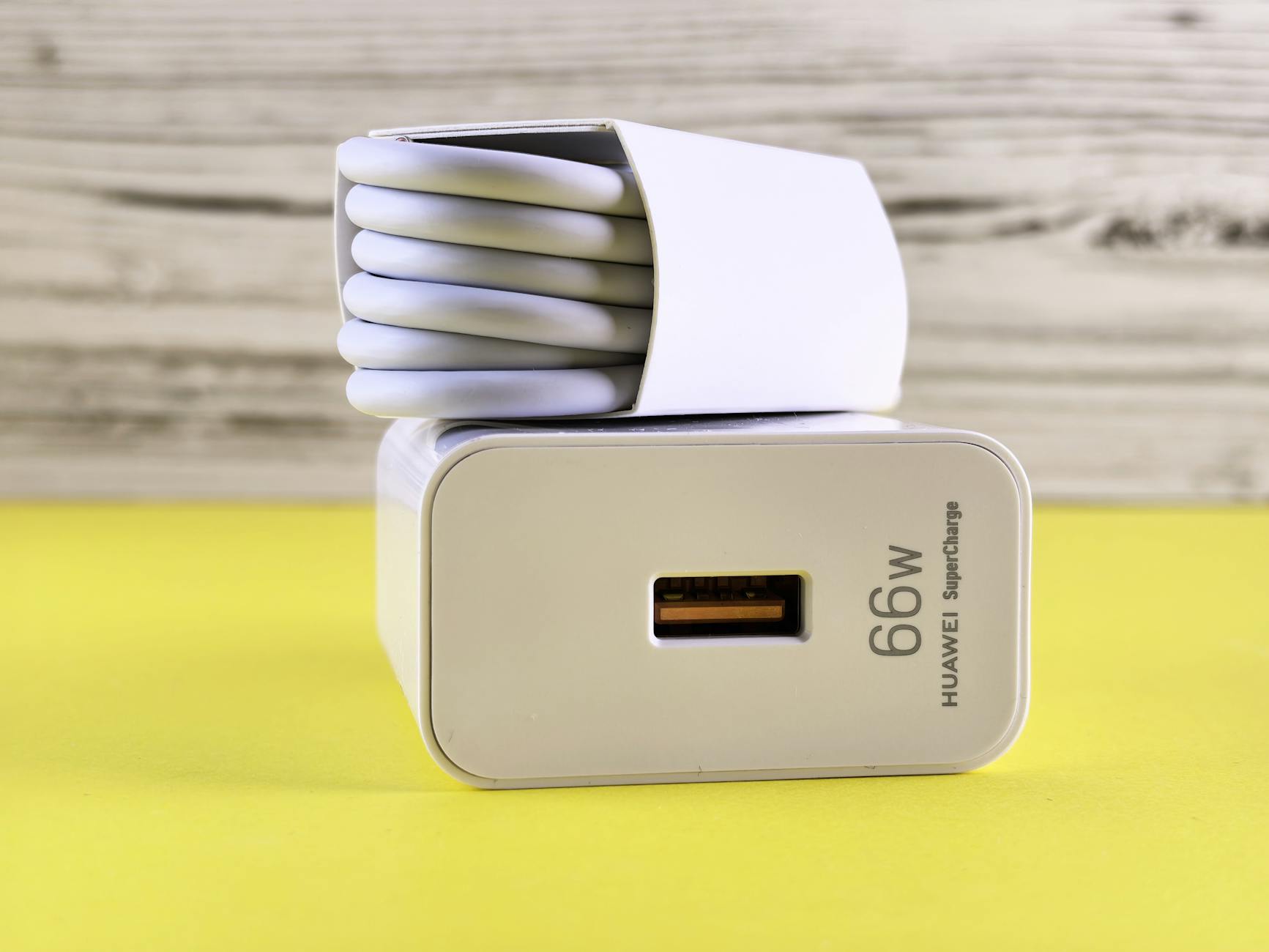
Does Using a USB Hub Slow Down Your Charging Speed?
- USB hubs allow multiple devices to connect but can influence charging speeds.
- Power delivery capabilities of the hub affect charging time.
- Quality and compatibility of the hub matter for optimal performance.
- Managing connected devices is crucial for maintaining faster charging.
- Assess your usage requirements when choosing a hub.
Understanding USB Hubs and Charging Dynamics
A USB hub refers to a device that expands a single USB port into multiple ports, allowing you to connect several USB devices simultaneously. While USB hubs themselves typically do not slow down your computer or charging capabilities, the way they are used can impact the efficiency of power delivery, especially in high-demand scenarios.

Why Might a USB Hub Affect Your Charging Speed? Let’s Find Out
There are several factors to consider when evaluating the impact of USB hubs on charging speed:
- Power Delivery Capabilities: Not all USB hubs support power delivery (PD). Hubs with PD capability can supply higher voltage and wattage to your devices, allowing for faster charging times, especially for power-hungry devices such as laptops and tablets.
- Number of Connected Devices: Connecting multiple devices to a USB hub can split the available bandwidth among them. For instance, if you connect a hard drive, printer, and smartphone simultaneously, the total power draw may exceed the hub’s capacity, leading to slower charging speeds.
- Quality of the Hub: Low-quality or generic hubs may not efficiently manage power distribution, leading to subpar performance. Investing in a reputable USB hub that meets your needs can facilitate reliable charging speeds.
- Device Compatibility: Ensure that the devices connected support the USB standards applicable for optimal charging and data transfer speeds. Older devices may not utilize newer fast charging protocols, which can lead to slower charging times.
- Utilization During Heavy Use: Avoid using the hub for data-heavy tasks like transferring large files while also trying to charge devices. Heavy data transfer consumes considerable bandwidth and can hinder charging capabilities simultaneously.

You may also like

How to Improve Charging Speed When Using a USB Hub
If you experience slower charging speeds while using a USB hub, consider the following strategies:
1. Choose the Right USB Hub
Opt for a powered USB hub that supports power delivery (PD). This will supply enough wattage for devices that require significant power, thus reducing charging times.
2. Avoid Overloading the Hub
If you don’t need to connect too many devices, choose a hub with fewer ports to reduce the bandwidth load. Fewer devices mean a more stable speed and better charging capability.
3. Check for Compatibility with Current Standards
Consult the specifications of your devices to ensure they support faster USB standards, like USB 3.0 or USB-C. Devices that are limited to older standards will not fully utilize the performance capabilities of modern USB hubs.
4. Manage Your Data Transfer Tasks
Avoid simultaneous data transfer when charging. If you’re transferring large files or utilizing bandwidth-heavy applications, disconnect unnecessary devices from the hub to improve charging speed.
5. Keep Drivers Up to Date
Ensure that your USB hub and the connected devices have the latest drivers installed. Outdated firmware could hinder performance and potentially impact charging speed.

Evaluating Requirements Based on Usage
When choosing a USB hub, define your usage requirements. For portable and work environments that require fast charging for multiple devices, consider hubs explicitly designed for high power output.
- For Regular USB Devices: A standard USB hub should suffice for low-power devices like keyboards and mice.
- For High-Power Devices: A powered USB hub becomes vital for high-demand peripherals such as external hard drives and high-resolution displays.
Regular assessment of your charging habits and device compatibility will lead to better hub utilization and enhanced charging speeds.
Conclusion
While USB hubs offer significant connectivity and convenience, they can impact charging speeds if not used properly. The key lies in understanding your devices, selecting the right hub, and managing your connections effectively. By being mindful of power requirements, data transfer activities, and hub specifications, you can ensure that you get the best performance possible from your USB hubs.
Frequently Asked Questions
Do all USB hubs support fast charging?
No, not all USB hubs support fast charging. Look for hubs that specify power delivery (PD) capabilities to ensure rapid charging.
Can using a USB hub affect my computer’s performance?
Basic USB hubs don’t slow down computers, but using too many high-demand devices at once may slightly reduce overall data transfer speed.
Is it better to use a powered or unpowered USB hub?
A powered USB hub is generally better as it can supply adequate power for charging and using devices that require more energy.