Introduction
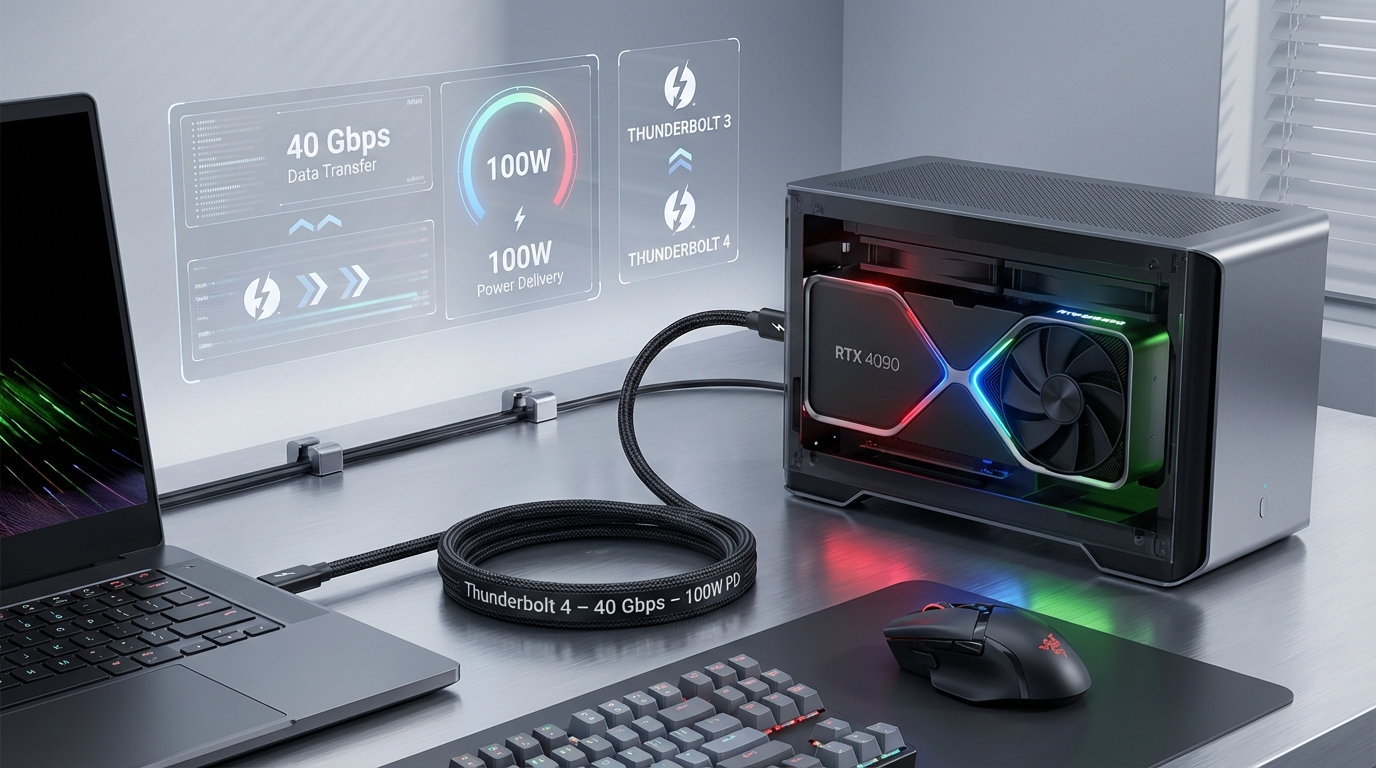
As technology continues to evolve, one of the most exciting advancements comes in the form of external Graphics Processing Units (eGPUs). These devices allow users to enhance their laptop’s graphical capabilities significantly. However, a common hurdle many encounter is choosing the right Thunderbolt cable for connecting an eGPU. This article addresses the critical question: Which Thunderbolt 4 cable is optimal for your eGPU needs? Understanding this is vital for ensuring peak performance and stability while using an eGPU for gaming or professional applications. One prevalent misconception is that any Thunderbolt cable will suffice; however, compatibility, power delivery, and bandwidth considerations are crucial factors. In the sections that follow, you will learn about how Thunderbolt 4 cables work, the various specifications, what to look for in a cable, and troubleshooting tips for common issues.
How Thunderbolt 4 Works
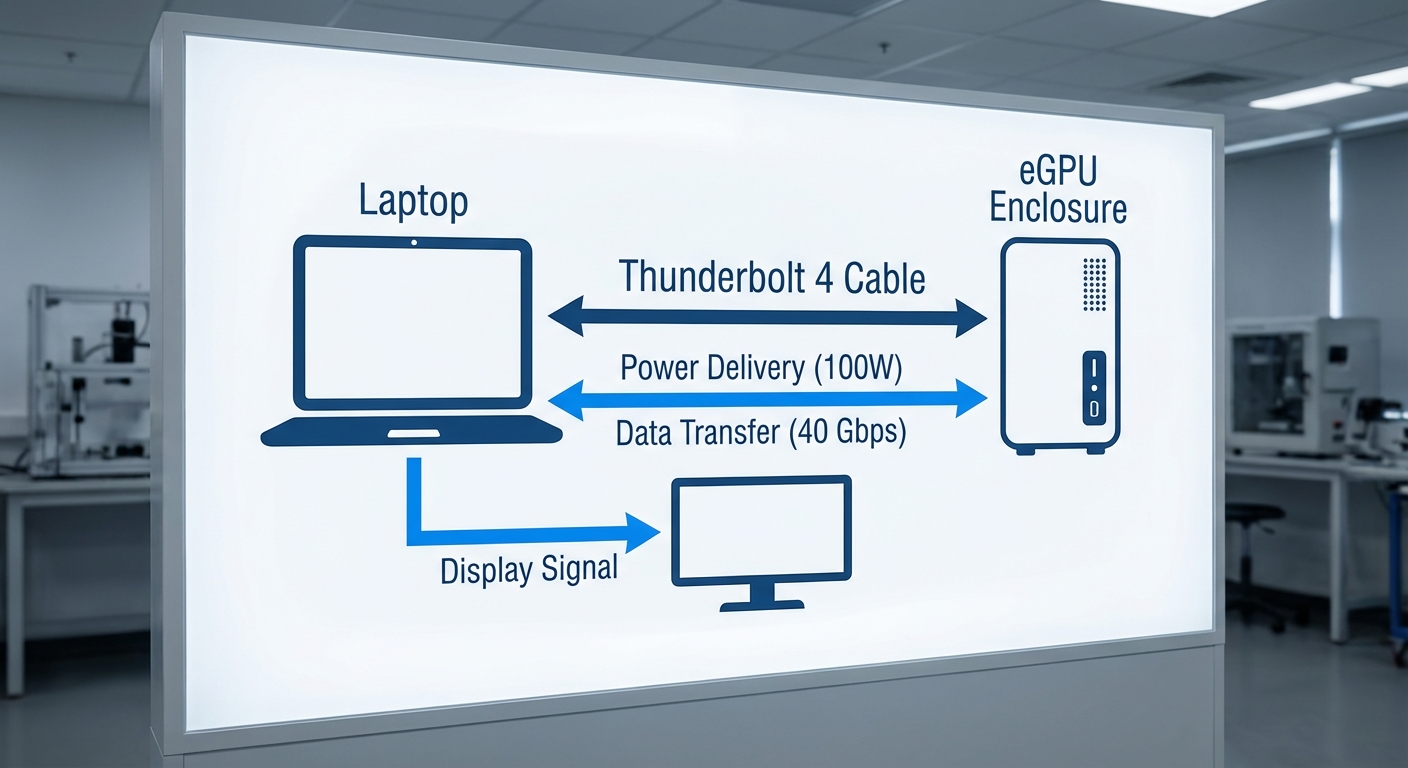
Thunderbolt 4 is the latest iteration of the Thunderbolt standard, offering enhanced features over its predecessor, Thunderbolt 3. It utilizes a USB Type-C connector, providing a seamless and powerful connection for a variety of devices, including laptops, monitors, and eGPUs.
- Bandwidth: Thunderbolt 4 supports up to 40 Gbps of data transfer, allowing for high-speed communication between your laptop and eGPU.
- Power Delivery: These cables can deliver up to 100 watts of power, meaning they can charge laptops while simultaneously transmitting data.
- Compatibility: Thunderbolt 4 is backward compatible with Thunderbolt 3 devices, ensuring versatility across different setups.
Choosing the Right Thunderbolt Cable
When it comes to selecting the appropriate Thunderbolt 4 cable for your eGPU, there are several key considerations to keep in mind:
Length and Application
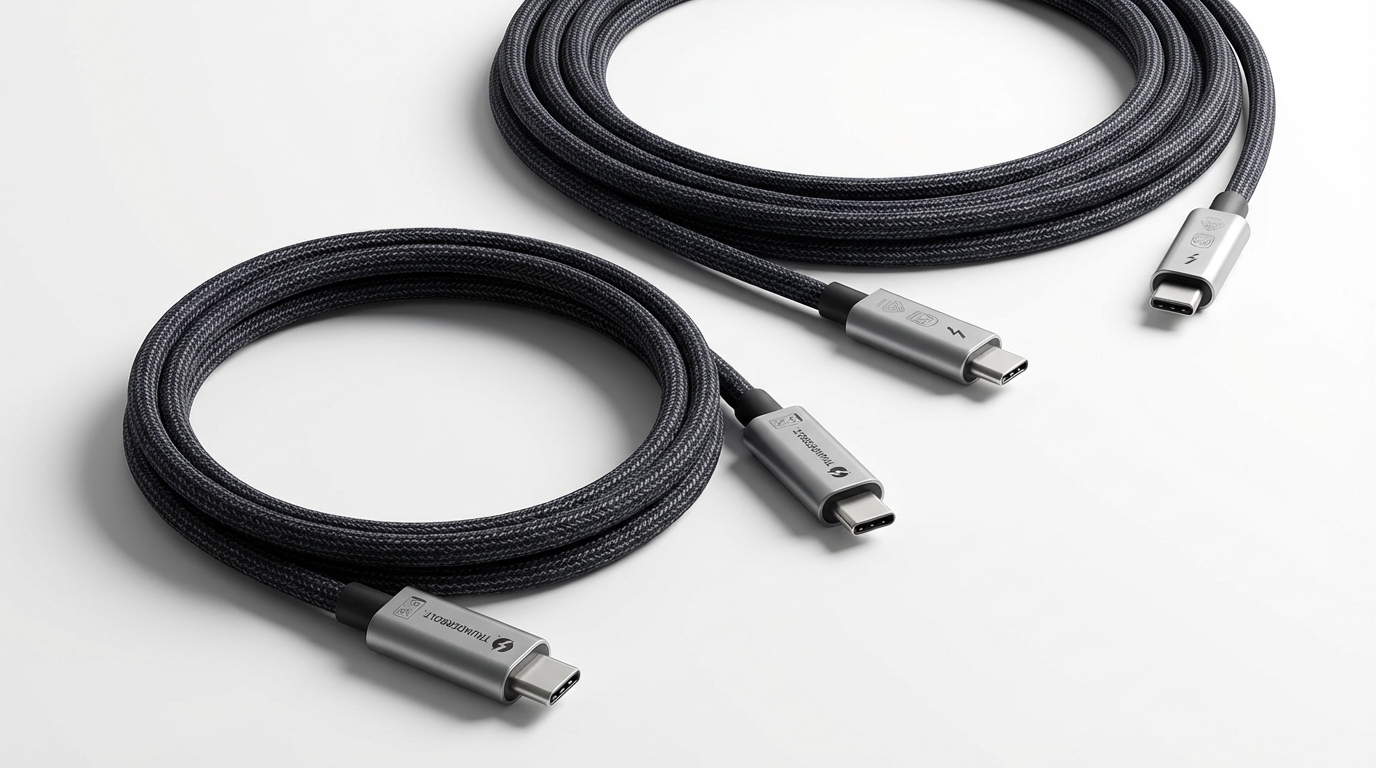
Thunderbolt 4 cables come in varying lengths, typically ranging from 0.5 meters to 2 meters. The length can affect performance, particularly in high-data scenarios:
You may also like

- Shorter Cables: Ideal for setups where the eGPU is placed close to the laptop.
- Longer Cables: Practical for more extensive desktop configurations but may introduce the risk of signal degradation if exceeding recommended lengths.
Power Delivery Capability
While many Thunderbolt 4 cables can provide power delivery, not all cables are created equal. If you want to use your eGPU to charge a laptop:
- Look for a cable that supports 65 watts or higher for optimal performance.
- Ensure that both the eGPU and laptop are compatible with the cable’s power delivery specifications.
Data Transfer Requirements
For demanding tasks such as gaming or video editing, the bandwidth of the cable is crucial. Thunderbolt 4 ensures high-speed data transfer, but it’s essential to verify that:
- Your eGPU and laptop both support Thunderbolt 4 standards.
- You are using a cable certified for 40 Gbps speeds to fully leverage your hardware’s capabilities.
Common Issues and Troubleshooting
While Thunderbolt 4 cables are generally reliable, users may experience issues that can be attributed to the cable itself. Below are some common symptoms and their respective troubleshooting steps:
Connection Drops
- Check both ends of the cable to ensure a secure connection.
- Try using a different Thunderbolt 4 cable to see if the problem persists.
- Ensure that both your laptop and eGPU have the latest firmware updates installed.
Power Delivery Issues
- Verify that your Thunderbolt cable is rated for adequate power delivery.
- Inspect the laptop’s charging port for dust or damage that might prevent a good connection.
Real-World User Experience
Users have reported various experiences based on the cables they’ve chosen for their setups. For instance, some have noted that using high-quality, certified cables significantly reduces instances of disconnects while using 4K setups. Manufacturers such as Razer and others offer cables explicitly designed for high-demand applications.
FAQ
What is Thunderbolt 4?
Thunderbolt 4 is the latest version of the Thunderbolt interface, providing faster data transfer rates, improved power delivery, and connection stability.
Can I use a Thunderbolt 3 cable with a Thunderbolt 4 device?
Yes, Thunderbolt 4 is backward compatible with Thunderbolt 3, but using a Thunderbolt 4 cable is recommended for optimal performance.
Will a longer Thunderbolt cable affect performance?
A longer cable can introduce potential signal degradation. It is best to use the shortest length necessary for your setup.
Do all Thunderbolt 4 cables deliver power?
Most Thunderbolt 4 cables provide power delivery, but specifications can vary. Always check the cable’s ratings before purchasing.
How do I ensure the best performance from my eGPU?
To ensure peak performance, use a Thunderbolt 4 cable with the correct specifications for data transfer and power delivery, and keep all device firmware updated.
Conclusion
In summary, selecting the right Thunderbolt 4 cable for your eGPU is crucial for achieving optimal performance and stability. Keep in mind the considerations around cable length, power delivery, and data transfer requirements as you make your decision. For further insights into related topics like eGPU setup and optimization, don’t hesitate to explore additional resources.
Wikipedia: Thunderbolt
Intel Support for Thunderbolt Technology
Rotating USB