Introduction
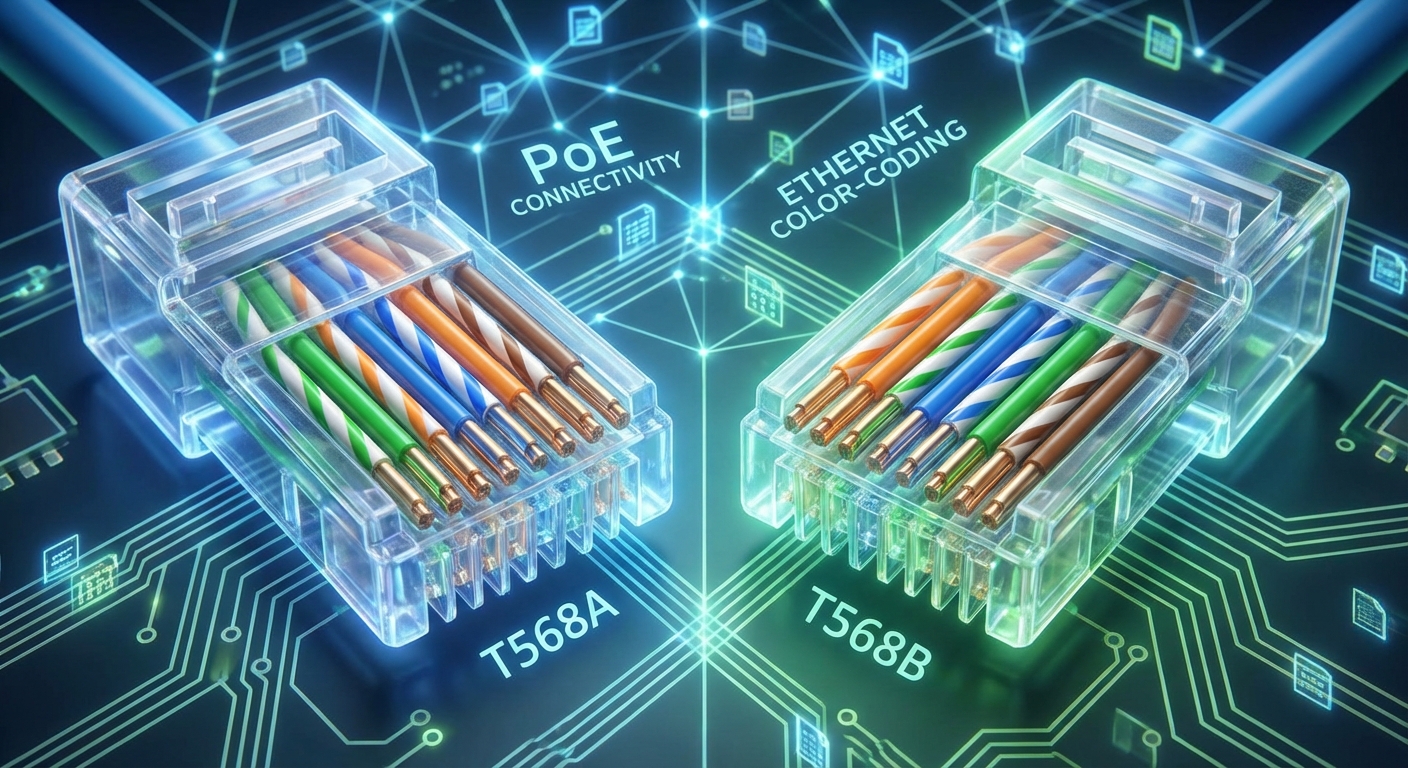
When setting up a network, the configuration of Ethernet cables is crucial for ensuring optimal performance and organization. One essential component of this setup is understanding the wiring color codes associated with Power over Ethernet (PoE) connections. The problem arises when users are unsure about which color corresponds to which function in the cable, leading to potential miswiring and connectivity issues. This understanding matters not only for aesthetic organization but also for the efficient management of networks, especially in business environments or data centers.
A common misconception is that all Ethernet cables follow a single color-coding scheme. In reality, Ethernet cables predominantly adhere to two standards: T568A and T568B, each utilizing a specific color code for wire pairs. In this article, we will explore the intricacies of PoE Ethernet cable wiring color codes, covering the importance of these codes, wiring standards, and how to wire cables correctly. By the end, you will have a clear understanding of how to utilize Ethernet cable color codes effectively.
Understanding PoE Ethernet Cable Standards
Power over Ethernet (PoE) technology allows electrical power and data to be transmitted over the same cable, simplifying the wiring and installation process for various devices like IP cameras, VoIP phones, and Wi-Fi access points. However, the proper configuration of these cables is critical for maintaining network integrity.
Ethernet Cable Types and Categories
- Cat5: Suitable for speeds up to 100 Mbps.
- Cat5e: Enhanced version of Cat5, supporting up to 1 Gbps, and better at handling crosstalk.
- Cat6: Offers speeds up to 10 Gbps in short runs, with better shielding than Cat5e.
- Cat6a: Further enhanced to support 10 Gbps over longer distances.
- Cat7: Advanced with shielding for each pair, ideal for data centers.
- Cat8: Designed for data centers with speeds up to 25-40 Gbps.
Wiring Standards: T568A vs. T568B
The two primary wiring standards for Ethernet cables are T568A and T568B. Each standard dictates the placement of color-coded wires into the RJ45 connectors, which are used for Ethernet connections.
You may also like


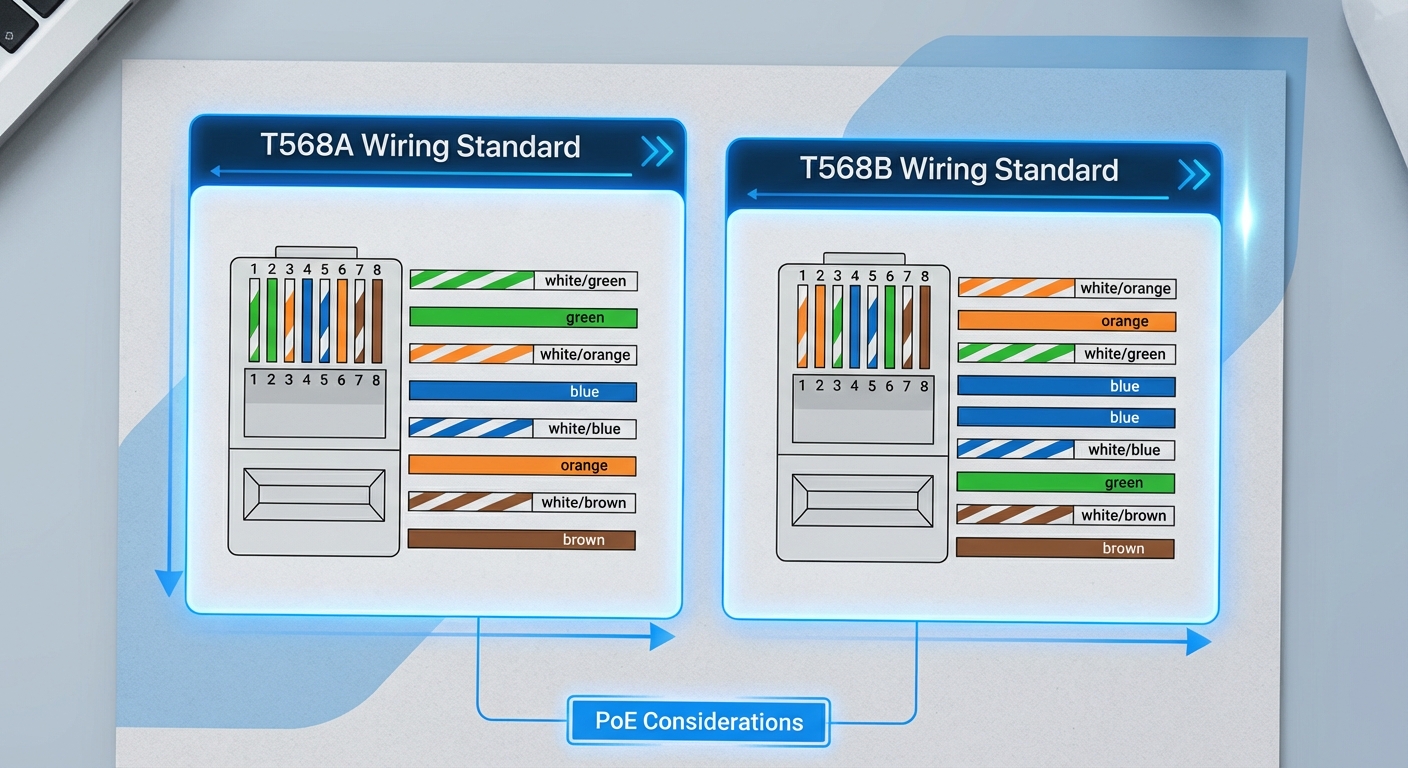
| Pin Number | T568A Color Code | T568B Color Code |
|---|---|---|
| 1 | White/Green | White/Orange |
| 2 | Green | Orange |
| 3 | White/Orange | White/Green |
| 4 | Blue | Blue |
| 5 | White/Blue | White/Blue |
| 6 | Orange | Green |
| 7 | White/Brown | White/Brown |
| 8 | Brown | Brown |
Importance of Ethernet Cable Color Coding
The proper color coding of Ethernet cables significantly aids in network management and troubleshooting. This is vital for:
- Identifying Connections: Color codes allow technicians to easily trace and identify connections, ensuring that cables are correctly terminated.
- Reducing Errors: Miscoloring can lead to crossover connections that result in connectivity problems. Following a standard minimizes this risk.
- Organizational Clarity: Color-coded cables provide a clear visual representation of the network setup, making maintenance and adjustments simpler.
Examples of Color Coding for PoE Connections
Understanding the specific color coding for PoE connections can help when wiring or troubleshooting network setups. Common practices include:
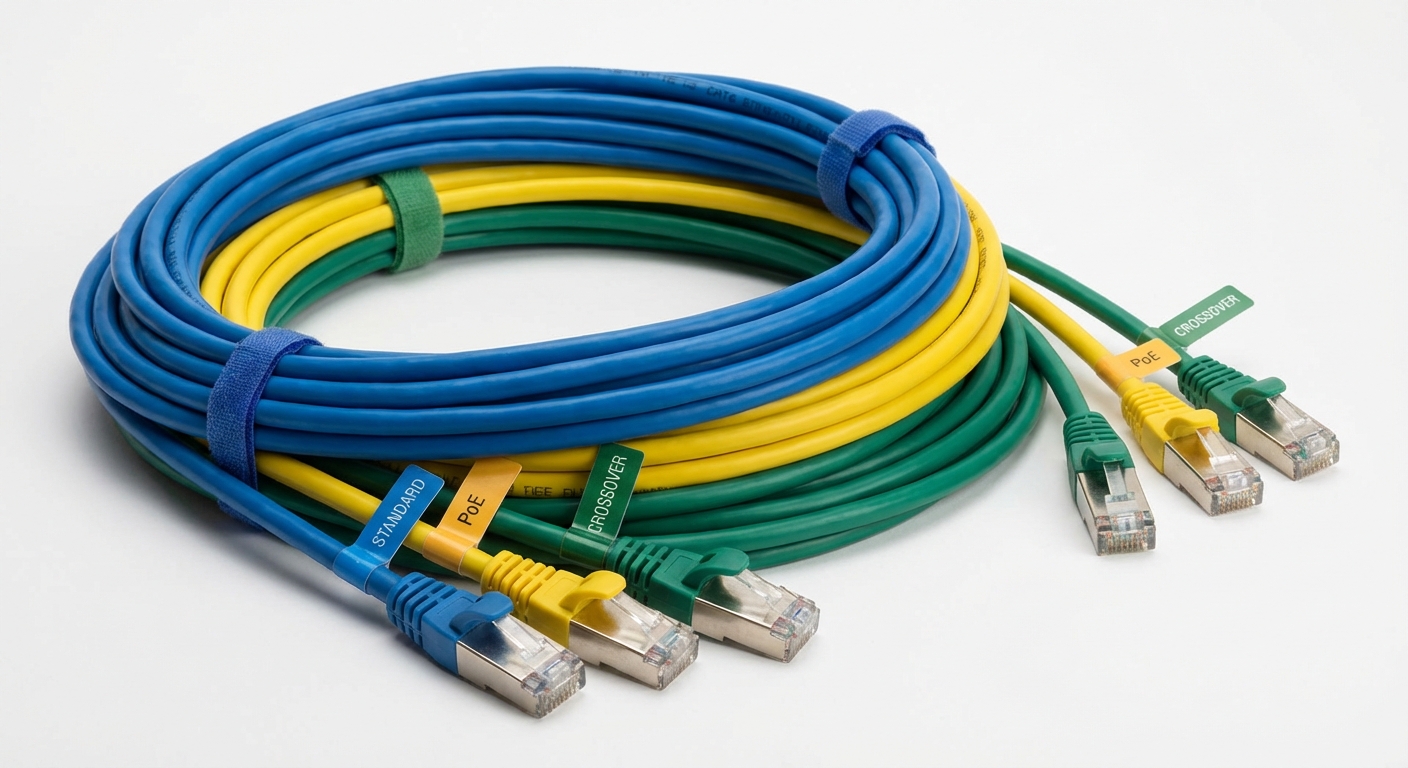
- Standard Ethernet Connections: Typically represented in blue, facilitating easy identification.
- PoE Connections: Often designated with yellow cables, indicating that these are carrying power along with data.
- Crossover Connections: Such connections may use green cables, especially in setups where devices directly connect to each other without a switch.
Correct Installation Practices
To ensure proper installation of Ethernet cables adhering to the color code standards:
- Choose the appropriate cable category based on your network’s needs.
- Select either T568A or T568B wiring standard based on existing network infrastructure.
- Use high-quality connectors and tools for terminating cables to minimize connection losses.
- Follow the color coding strictly while terminating each end of the cable.
- Test each cable with a network tester to ensure integrity and functionality after installation.
Troubleshooting Common Wiring Issues
Even with careful wiring, issues may arise. Here are steps to diagnose and resolve common problems:
- Connectivity Failure: Check both ends of the cable for consistency in wiring standards and ensure the color codes align with your chosen standard.
- Intermittent Connection: Inspect for damage along the cable and verify secure connections at the RJ45 plugs.
- Speed Issues: Ensure you are using the correct cable category for the required speeds; mixing categories can lead to decreased performance.
FAQ
Q: What is the difference between T568A and T568B?
A: T568A and T568B are two wiring standards that determine how color-coded wires are terminated in RJ45 connectors. T568B is more commonly used in the U.S.
Q: How do I know which Ethernet cable to use for PoE?
A: For PoE, it’s best to use Cat5e or higher cables, ideally following T568B color coding and ensuring cables are labeled or colored yellow for easy identification.
Q: Can I mix T568A and T568B standards in the same network?
A: It is advised to stick to one standard across the network to avoid connectivity issues; mixing them can lead to problems.
Q: What colors indicate standard Ethernet connections?
A: Standard Ethernet connections are commonly represented by blue cables.
Q: Why does cable color matter in networking?
A: Cable color coding is crucial for managing network infrastructure, aiding in troubleshooting, and preventing errors in connections.
Conclusion
In summary, understanding the wiring color codes for Ethernet cables, especially for PoE connections, is vital for efficient network setup and troubleshooting. By adhering to established standards and utilizing the correct color codes, both home users and network professionals can ensure optimal performance and connectivity. As you build or maintain your network infrastructure, consider exploring other related topics such as cable shielding and connector specifications.
Rotating USB