Introduction
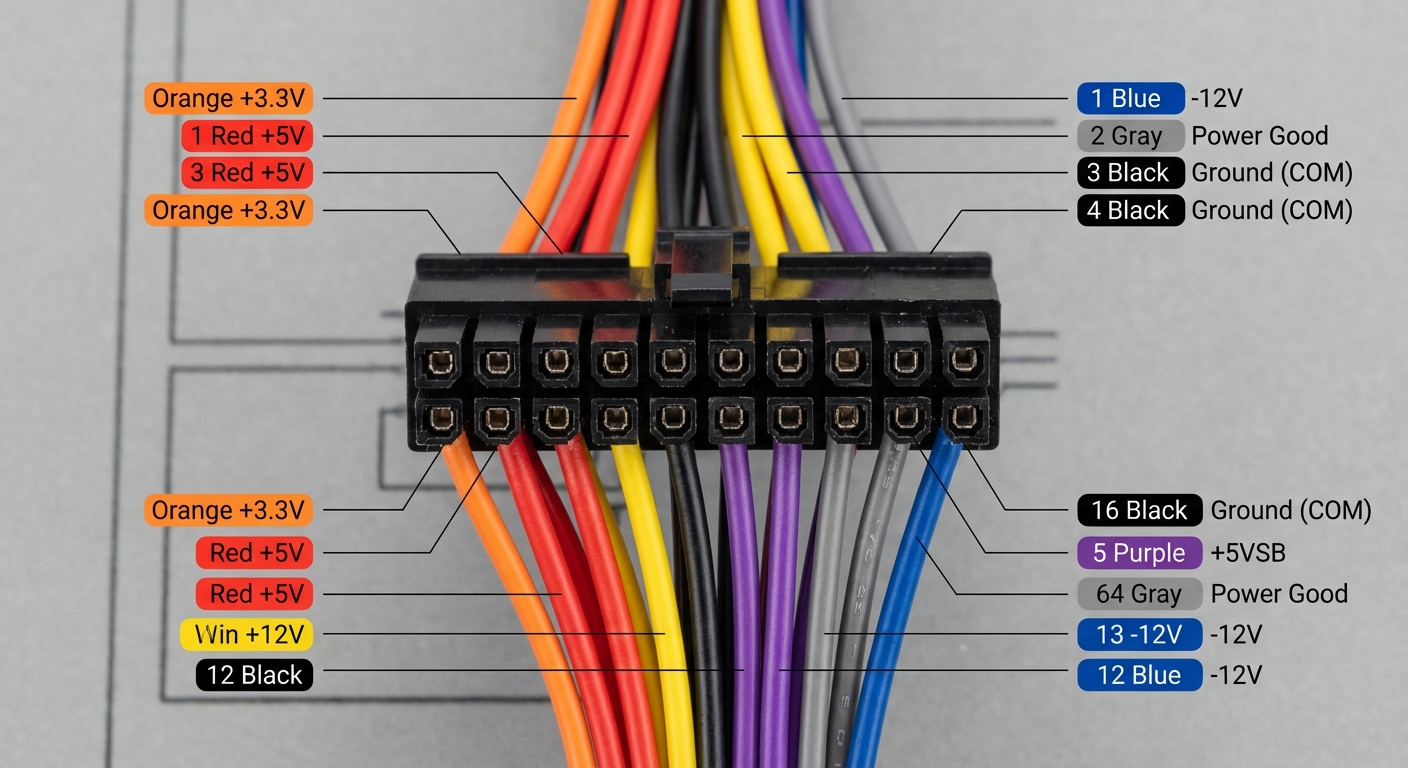
The Molex connector is a widely used component in electronics and computer hardware, known for its versatility and reliability. As DIY builders and hobbyists often incorporate these connectors into their projects, understanding the pinout color codes becomes a crucial task. This article addresses the question of how to interpret these color codes correctly and why it is essential for preventing connectivity issues and ensuring the functionality of your projects. A common misconception among newcomers is that pin connections do not require strict attention to detail. However, incorrect wiring can lead to device malfunction or even damage. Through this article, readers will learn about the typical color codes used in Molex connectors, how to read pinouts effectively, and practical tips for application in real-world projects.
Understanding Molex Connectors
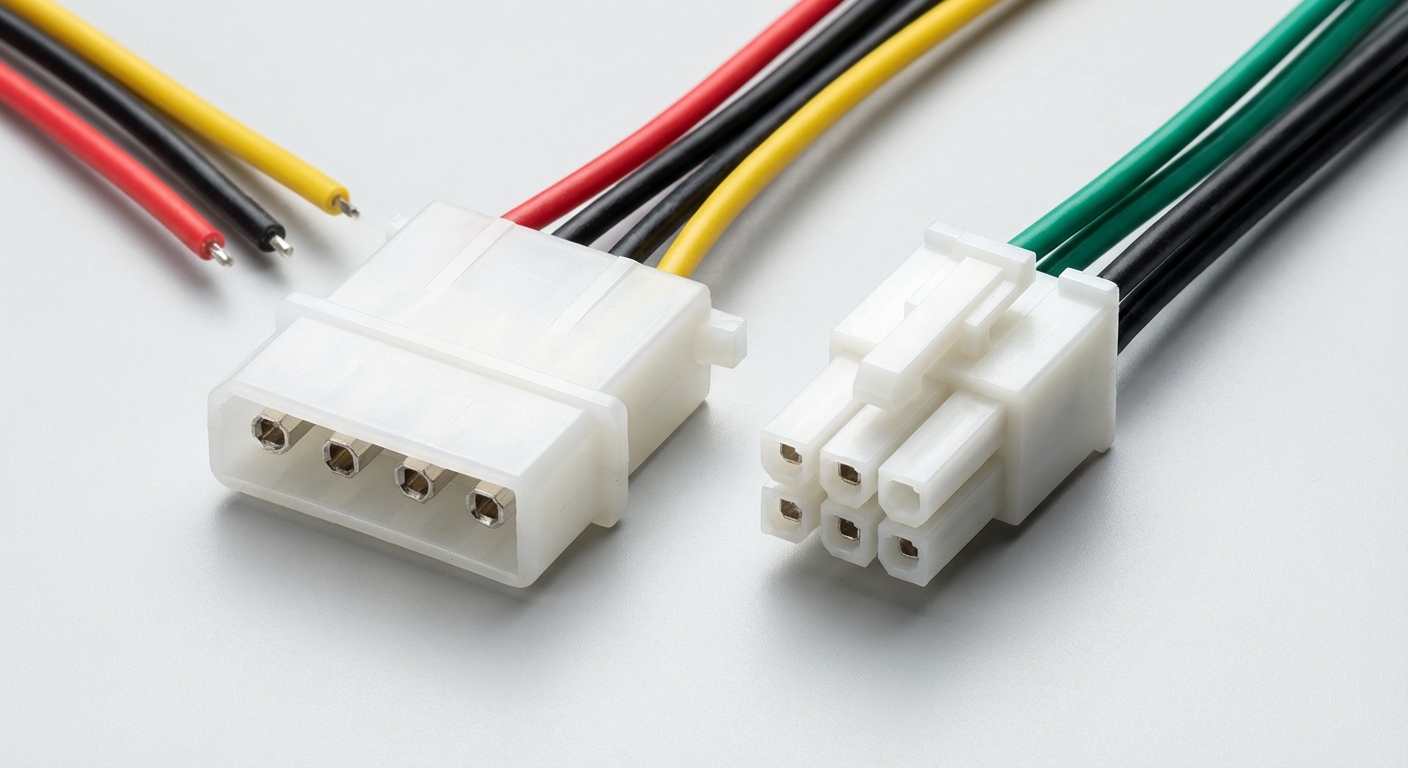
Molex connectors are multi-pin connectors that typically come in 2.54 mm (0.1 inch) and 3.96 mm sizes, widely used in computer power supplies and various electronic applications. These connectors are designed to facilitate the quick and reliable connection of wires to circuit boards.
Types of Molex Connectors
- Standard 4-Pin Connector: Commonly used for power connections in PC power supplies.
- Mini-Fit Jr.: Often used in various applications, including automotive and data connections.
- Micro-Fit: More compact design for tighter spaces.
- CP Connectors: Come with enhanced features like color coding and polarization to prevent incorrect connections.
Molex Pinout Color Codes
One of the essential aspects of working with Molex connectors is understanding the color code associated with each pin. This coding system allows builders to easily identify pin assignments, which is helpful in preventing incorrect wiring.
Standard 24-Pin Molex Connector Pinout
The following table illustrates the pin assignments and corresponding color codes for a standard 24-pin Molex connector:
You may also like

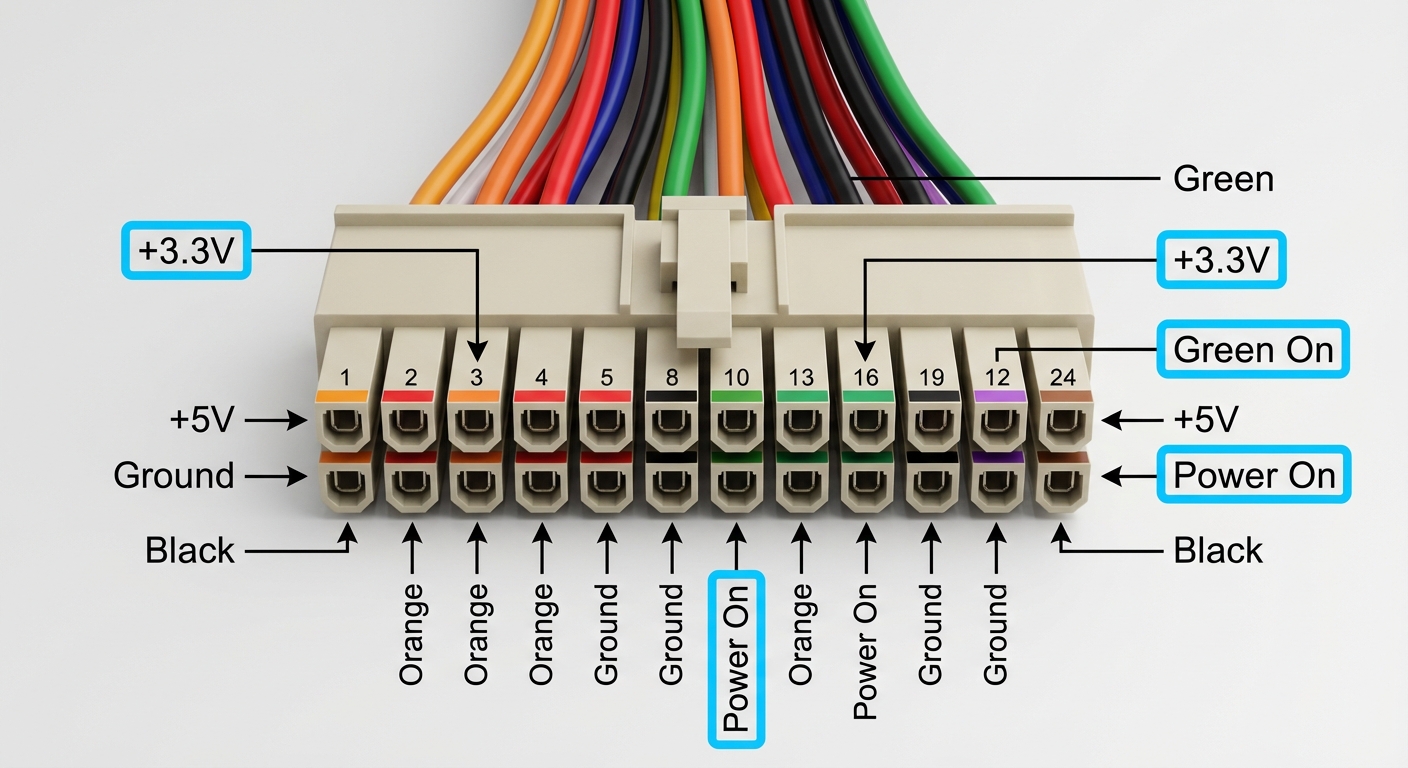
| Pin Number | Color Code | Function |
|---|---|---|
| 1 | Orange | +3.3V |
| 2 | Orange | +3.3V |
| 3 | Black | Ground (GND) |
| 4 | Red | +5V |
| 5 | Black | Ground (GND) |
| 6 | Gray | Power Good |
| 7 | Red | +5V |
| 8 | Black | Ground (GND) |
| 9 | Yellow | +12V |
| 10 | Black | Ground (GND) |
| 11 | Blue | -12V |
| 12 | Green | Power On |
| 13-24 | Various Colors | Additional Ground and Signal Pins |
Color Codes for Other Molex Connectors
Besides the standard 24-pin connector, other Molex connectors may use different color codes that vary based on their applications. Here are additional examples:
- CP Connectors: Employ color coding to help assembly by ensuring correct alignment and connections.
- Mini-B Plug: Generally uses consistent color codes for signaling, as mentioned in various models.
- Micro-Fit Connectors: Use colors to denote proper wire gauge and function.
Common Issues and Troubleshooting
Understanding the pinouts and color codes is not just about knowing how connectors are organized; it also helps in troubleshooting common issues. Here are steps to diagnose and resolve potential connectivity problems:
- Check All Connections: Ensure that each pin is fully seated and that the connector is firmly attached.
- Verify Color Codes: Cross-reference the wires against the pinout chart to ensure the colors match expected assignments.
- Use a Multimeter: If a connection isn’t functioning, test for continuity using a multimeter to check for breaks in the wire.
- Inspect for Damage: Look for any visible signs of damage on the connectors or wires.
- Consult Documentation: Refer to the manufacturer’s manuals for specific pinout and troubleshooting guidelines.
Resources and Further Reading
For more detailed information on Molex products, consider visiting the official Molex website. Additionally, Wikipedia provides a comprehensive overview of electrical connectors, including Molex systems and their applications.
FAQ
Q: What is the role of a Molex connector in electronics?
A: Molex connectors are used to connect power and signal between various components in electronic devices.
Q: How do I identify the pins on a Molex connector?
A: Each pin has a designated function and color code, making it easy to identify using a pinout chart.
Q: Can Molex connectors be reused?
A: Generally, yes, if they are not physically damaged; however, always check for proper function each time.
Q: Are there different sizes of Molex connectors?
A: Yes, Molex connectors come in various sizes including 4-pin, Mini-Fit, and Micro-Fit configurations.
Q: Do all Molex connectors have the same color code?
A: No, while many follow standard color codes, different types of Molex connectors may vary in color codes based on specific functions.
Conclusion
Understanding Molex connector pinout color codes is essential for anyone venturing into electronics or DIY projects. Proper knowledge of these codes can help avoid incorrect wiring and enhance project reliability. If you’re interested in exploring related topics, consider looking into wire splicing techniques and other types of electrical connectors.
Rotating USB