What Is Asymmetric Data Transfer in the Latest USB Specs?
With the rapid evolution of technology, understanding data transfer methodologies becomes crucial, especially as consumer devices become increasingly reliant on USB connectivity for high-speed data exchange. A notable development in this realm is asymmetric data transfer, a feature in the latest USB specifications that enhances the capabilities of data transmission significantly. This article aims to unravel the intricacies of asymmetric data transfer in USB 80Gbps, addressing common misconceptions and clarifying how it differs from traditional symmetric modes.
Many users still hold the misconception that all USB transfers operate at uniform speeds, but the introduction of asymmetric modes reveals a more complex and capable structure of data handling. In this article, we will explore what asymmetric data transfer entails, how it functions within the framework of modern USB standards, and why it matters in the context of future data demands.
Understanding Asymmetric Data Transfer
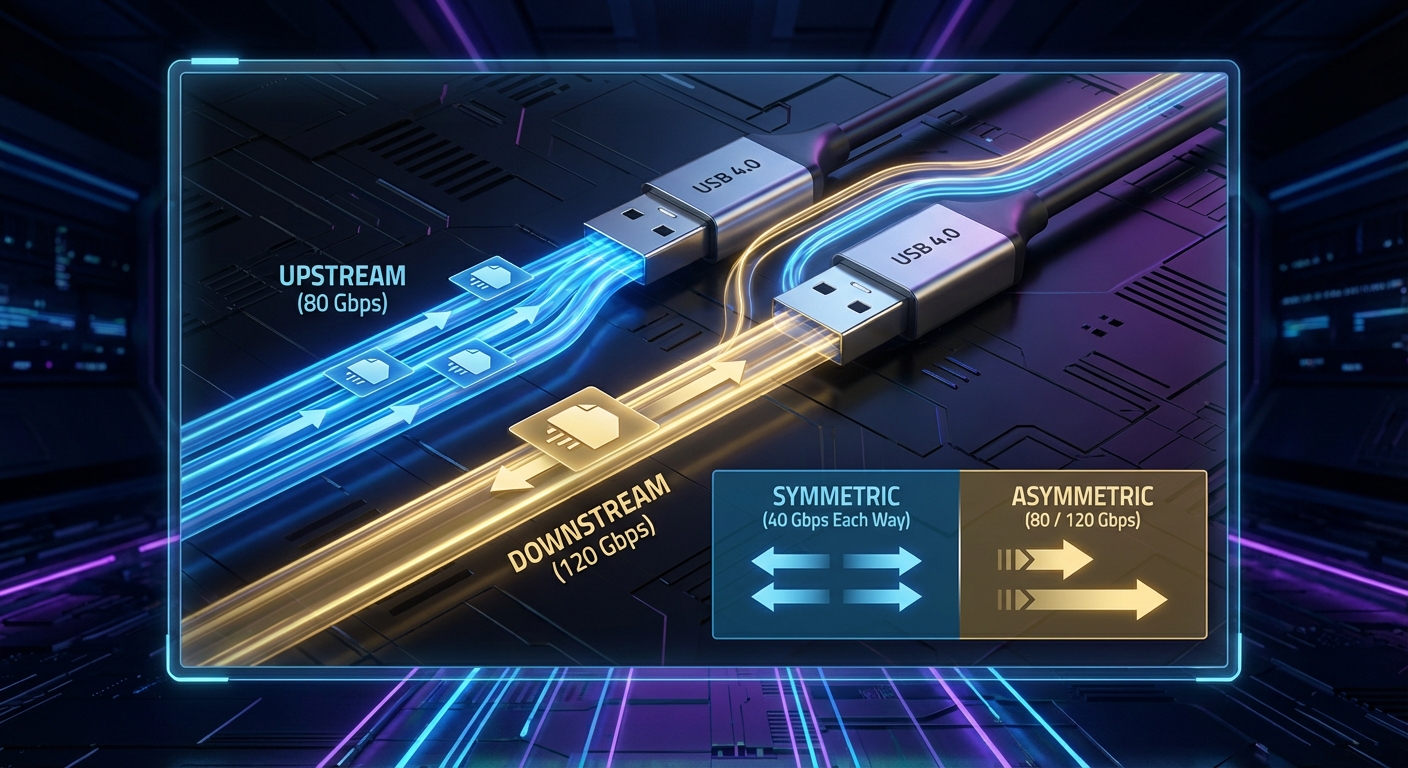
Asymmetric data transfer is a novel feature introduced in the USB4 v2.0 specification, which doubles the bandwidth capabilities of previous standards. This mode allows for different transfer rates in upstream and downstream directions, which can be particularly beneficial for applications requiring higher data input from devices while not needing as much data output in return.
How Asymmetric Data Transfer Works
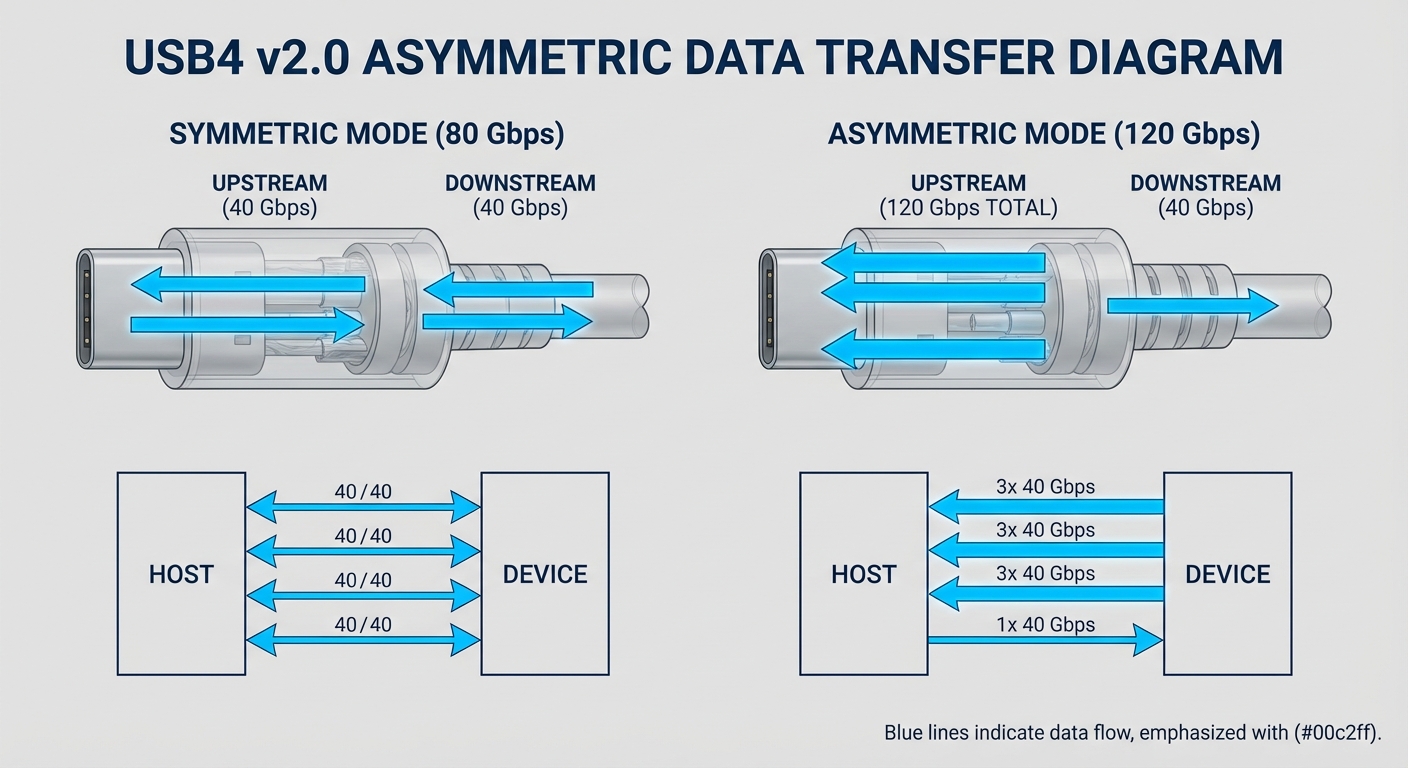
In the asymmetric mode, the USB protocol allocates bandwidth differently for incoming and outgoing data. Specifically, asymmetric transfer can support speeds of up to 120 Gbps. This mode utilizes three of the four data pairs for upstream data (the data coming into the host) while reserving the fourth pair for downstream data, allowing for a substantial increase in the speed of data ingestion compared to the traditional symmetric approach, where the link speed is uniformly split.
You may also like




Asymmetric vs. Symmetric Data Transfer
Understanding how asymmetric compares to symmetric data transfer features reveals its potential applications:
| Feature | Symmetric Mode | Asymmetric Mode |
|---|---|---|
| Maximum Data Rate | 80 Gbps | 120 Gbps |
| Data Pair Allocation | Equal allocation for both directions | Three pairs for upstream, one pair for downstream |
| Optimal Use Cases | Standard data transfer | High data input applications (e.g., external graphics cards, storage devices) |
Significance of Asymmetric Data Transfer
The introduction of asymmetric data transfer is particularly relevant in our increasingly data-hungry landscape. Modern applications such as 4K video editing, gaming with high-resolution graphics, and real-time data processing are pushing the limits of conventional USB speeds.
Real-World Applications and Benefits
- High-Speed Storage Devices: External SSDs utilizing asymmetric transfer can significantly reduce upload times.
- Enhanced Video Transfers: For creatives, transferring 4K or even 8K video from a camera to a computer becomes much quicker.
- Gaming Peripherals: When using devices like external GPUs, the increased upstream bandwidth can alleviate bottlenecks in data transfer.
Current USB Specifications: Focus on USB4 Version 2.0
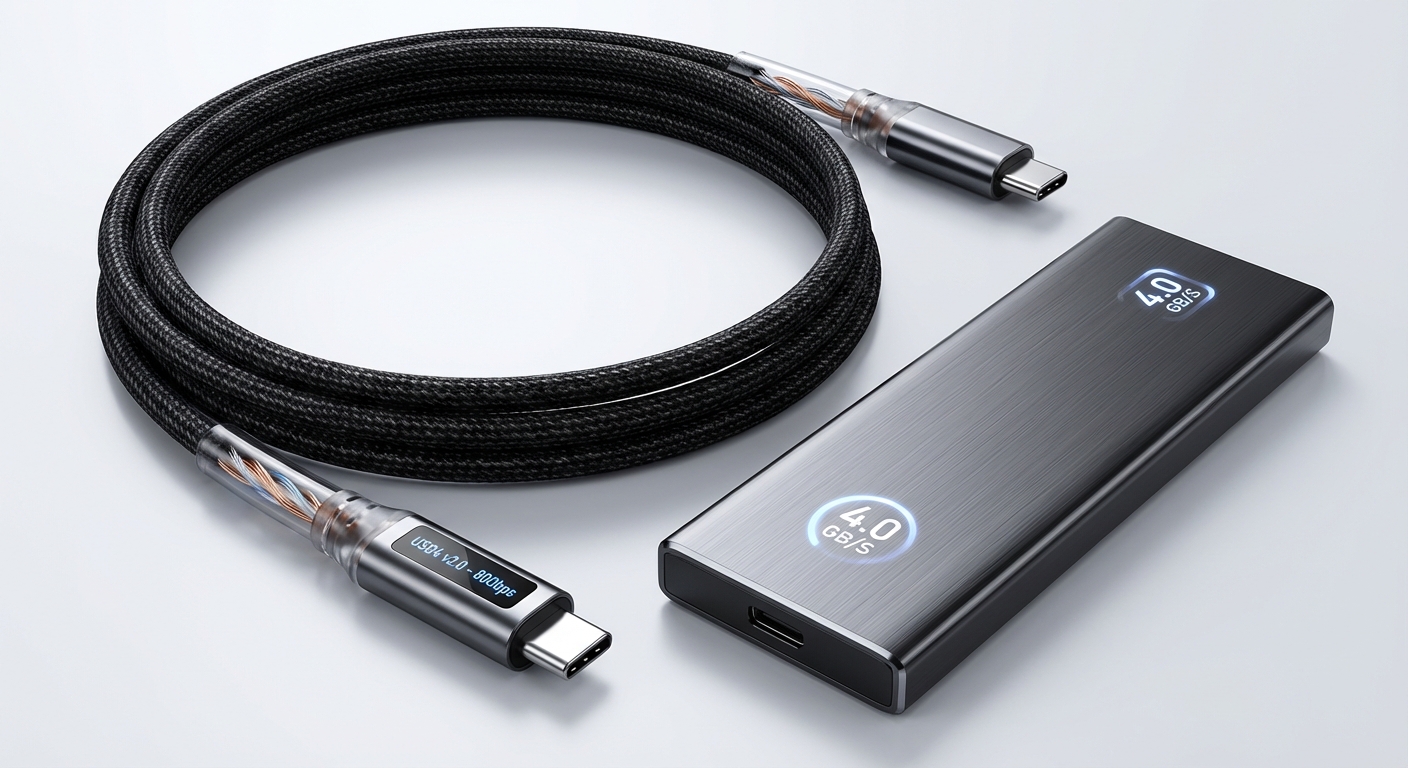
The USB4 Version 2.0 specification not only doubles the theoretical maximum bandwidth but also specifically addresses the functionality of asymmetric data transfer. This evolution opens new pathways for innovation in how devices communicate and exchange data. By leveraging advanced encoding methods such as PAM3 signaling, USB4 v2.0 pushes towards more efficient data handling.
Key features of USB4 Version 2.0 include:
- Improved link speed capabilities (up to 120 Gbps in asymmetric mode)
- Enhanced compatibility with existing USB devices
- Support for high-performance video interfaces and peripherals
Frequently Asked Questions
Q1: What is the main advantage of using asymmetric data transfer in USB technology?
The primary advantage is the ability to transmit data at different rates for upstream and downstream, allowing for more efficient handling of workloads that require higher input speeds.
Q2: How does asymmetric transfer impact device performance?
Asymmetric transfer can greatly enhance performance in applications that require transferring large amounts of data to the host, such as video editing or gaming.
Q3: Are all USB devices compatible with the asymmetric mode of USB4 v2.0?
Not all USB devices will support asymmetric mode. Compatibility depends on specific hardware designs and the implementation of the USB4 v2.0 standard.
Q4: Can I use an older USB cable with USB4 v2.0 devices?
While older USB cables may connect, they will not support the high speeds of USB4 v2.0, so it is recommended to use certified cables designed for USB4.
Q5: What is PAM3 signal coding?
PAM3 (Pulse Amplitude Modulation 3) is a signal encoding method that allows for more efficient data encoding, contributing to the increased bandwidth capabilities of USB4 v2.0.
Conclusion
In summary, asymmetric data transfer represents a significant advancement in USB technology, allowing for enhanced data rates that better meet the demands of modern applications. With USB4 v2.0 paving the way for this high-speed revolution, users can expect improved performance in data-intensive environments. For those interested in delving deeper, related topics include upcoming advancements in USB technologies and the evolution of high-speed data transmission standards.
⁷