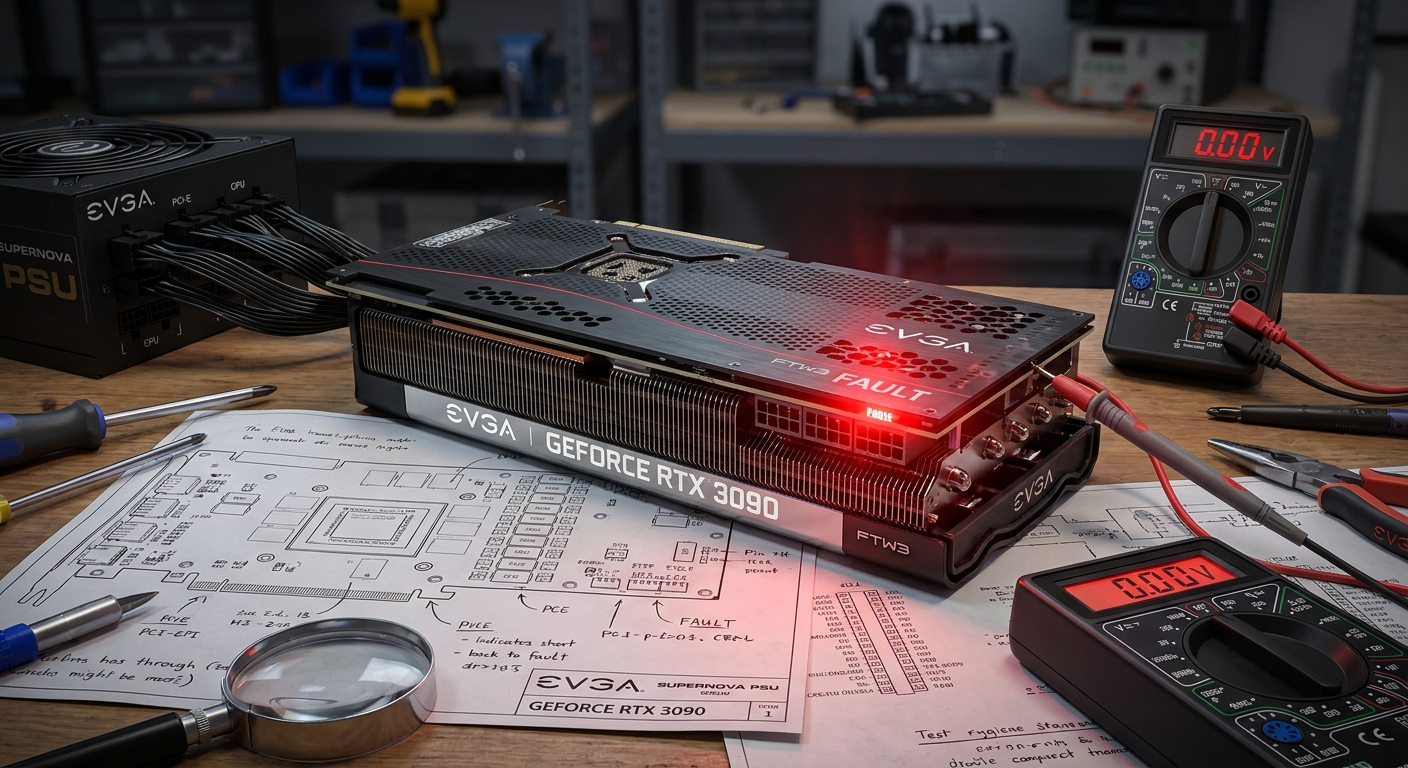
Understanding EVGA Status Indicator Color Codes for Repair
The EVGA graphics cards, including the well-known 3090 model, are renowned for their performance, but they can occasionally encounter issues that manifest through status indicator color codes. Among these, the most concerning is the infamous red light that indicates a potential malfunction. This article aims to unravel the meaning behind the red status indicator light on EVGA GPUs, especially focusing on the 3090 series. Understanding these indicators is crucial not only for gamers and professionals relying on flawless performance but also for those looking to troubleshoot and repair their hardware efficiently.
One common misconception is that a red light always signifies a catastrophic failure; however, it can often be rooted in simpler issues, such as inadequate power supply connections. Readers will learn about the various causes for the red light, how to diagnose the issue accurately, and the steps to potentially repair the problem.
How EVGA GPUs Function
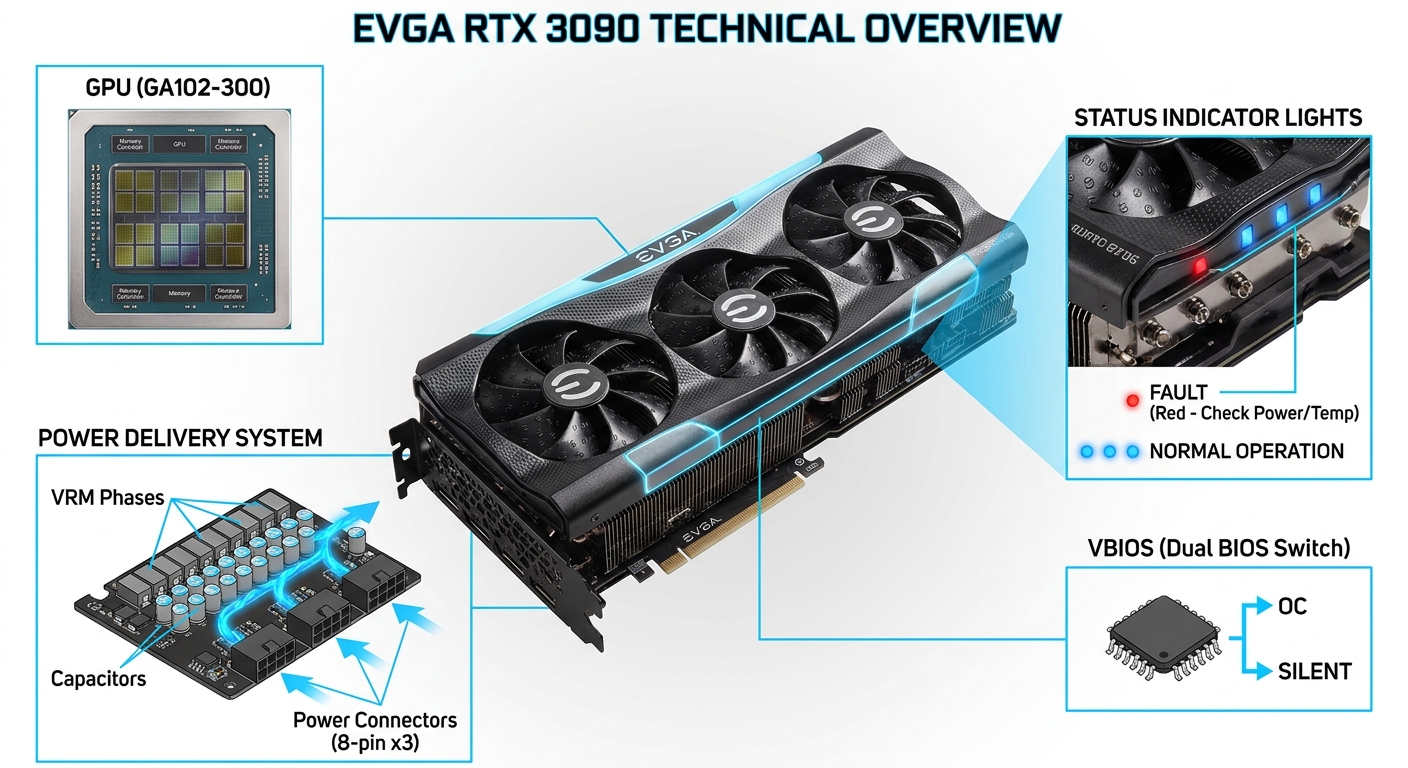
EVGA graphics cards operate on a complex architecture that includes the graphics processing unit (GPU), memory, and power delivery systems. The status indicator lights serve as a diagnostic tool, providing users with immediate feedback on the card’s operational status. These indicators can signal errors related to power, communication, or actual hardware malfunctions, guiding users on what actions to take.
Common Causes of the Red Light
- Power Supply Issues: A very frequent cause of the red light indicator is inadequate power supply due to improperly connected or damaged cables, often implicating the 12V lines.
- Short Circuits: A short circuit can occur on the GPU board, resulting in the dreaded ‘red light of death,’ which can be traced back to multiple causes.
- VBIOS Failure: A failure in the VBIOS (Video Basic Input/Output System) can also trigger the red indicator, as it signifies that the card cannot complete its initial power-on self-test.
Diagnosing the Issue
When confronting a red light on an EVGA graphics card, particularly the 3090, follow these diagnostic steps:
You may also like




- Check Power Connections: Start by ensuring all power cables are securely plugged in. It’s common for a single cable to be slightly unplugged, leading to power issues.
- Inspect for Shorts: If loose cables aren’t the problem, check for any physical damage or short circuits on the GPU board.
- Test with a Different PSU: If possible, test your graphics card with a different power supply unit to rule out a faulty PSU.
- Check Motherboard Codes: Utilize your motherboard’s diagnostic display or LED codes, as some codes can indicate GPU-related issues.
Understanding Diagnostic Codes
EVGA graphics cards and motherboards may display various debug codes. Here are a few significant ones:
| Code | Description |
|---|---|
| 92 | PCI Bus initialization started; indicates a potential GPU-related error. |
| Red Light | Indicates VBIOS post failure, usually related to inadequate power or a short circuit. |
Repairing the Red Light Issue
If it appears that the red light indicates a VBIOS failure, it’s essential to take further action:
- Try re-seating the GPU in its PCIe slot.
- Boot up the system without the GPU to determine if the board runs normally, ensuring that it’s specifically the GPU causing the issue.
- If the problem persists, consider flashing the VBIOS or seeking professional repair services, as incorrect procedures can lead to further damage.
User Experiences and Tips
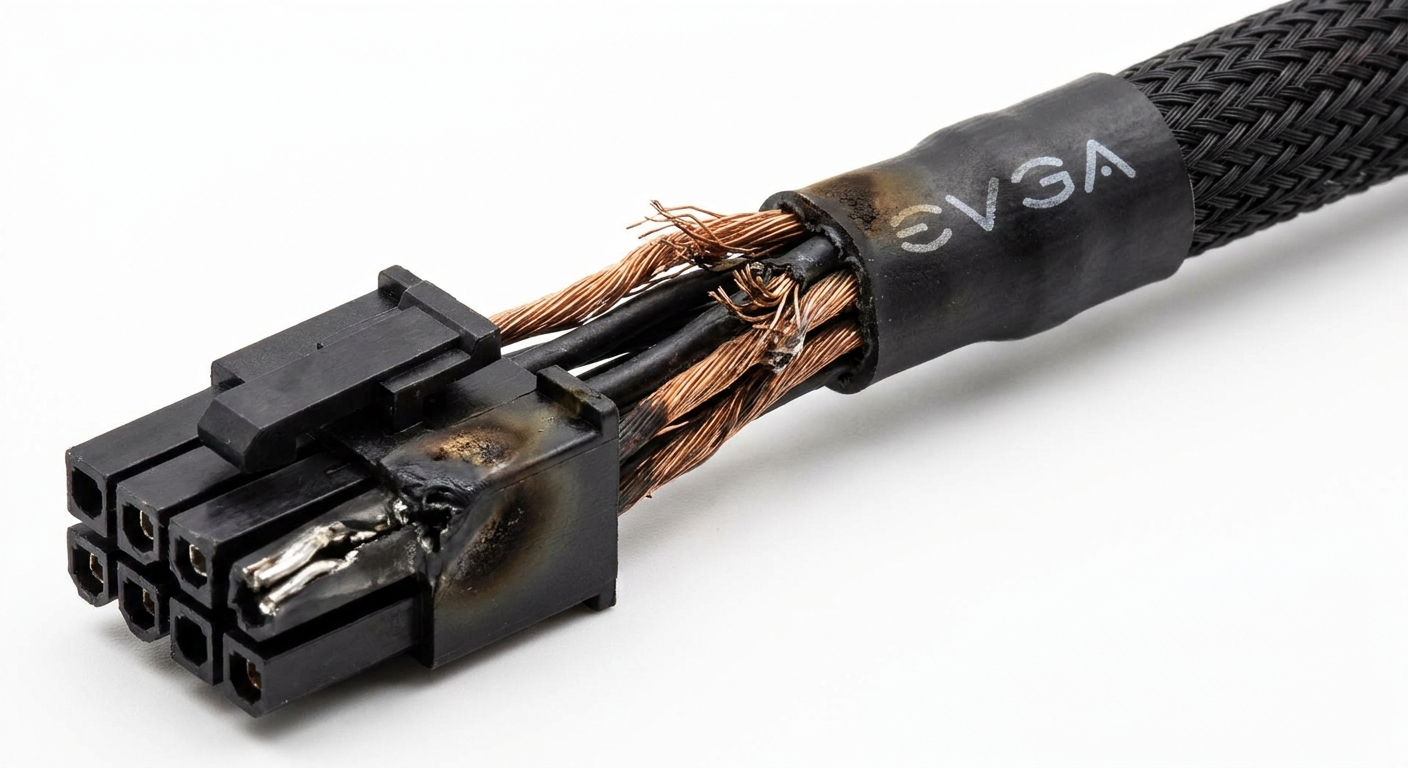
Many users report that simple fixes, such as checking cable connections, resolved their issues. In one case, a user shared that the red light was traced back to a single PCIe power cable that was not fully seated, causing inadequate power delivery.
Frequently Asked Questions
Q1: What does the red light on my EVGA GPU indicate?
A1: It typically signifies a VBIOS post failure or a short circuit, often linked to insufficient power supply.
Q2: How can I fix the red light issue?
A2: Check all power connections, inspect for shorts on the board, and try testing with a different power supply.
Q3: Is it safe to continue using a GPU with a red light?
A3: No, using a GPU with a red light can risk further damage; troubleshooting is advisable.
Q4: Where can I find more support for my EVGA GPU?
A4: You can visit the official EVGA support page for assistance and resources.
Q5: Can a red light be caused by software issues?
A5: While less common, some errors during the boot process can relate to VBIOS failures, which are considered hardware issues.
Conclusion
In summary, the red light indicator on EVGA graphics cards serves as a critical diagnostic tool, usually pointing to issues related to power supply or VBIOS failures. By understanding the underlying causes, users can take appropriate actions to troubleshoot and repair their systems. For additional reading, consider exploring related topics on power supply management and GPU maintenance.
Rotating USB